Shenzhen Xinchitai Technology Co., Ltd.
News

How Do 2.5 SATA SSDs Improve Computer Performance and Storage Reliability?

2026-06-02 0 Leave me a message

Article Summary

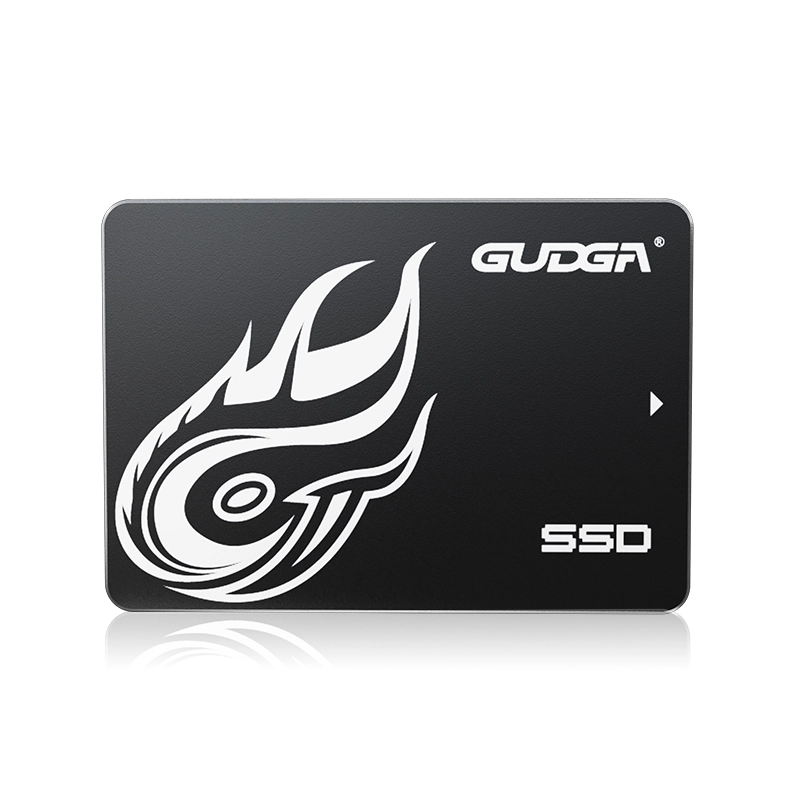
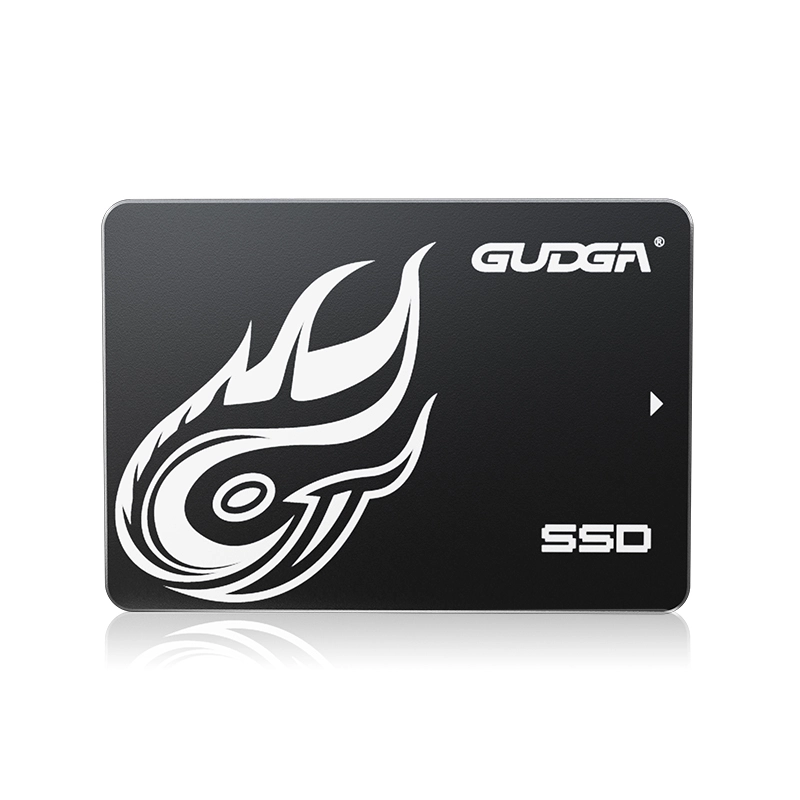
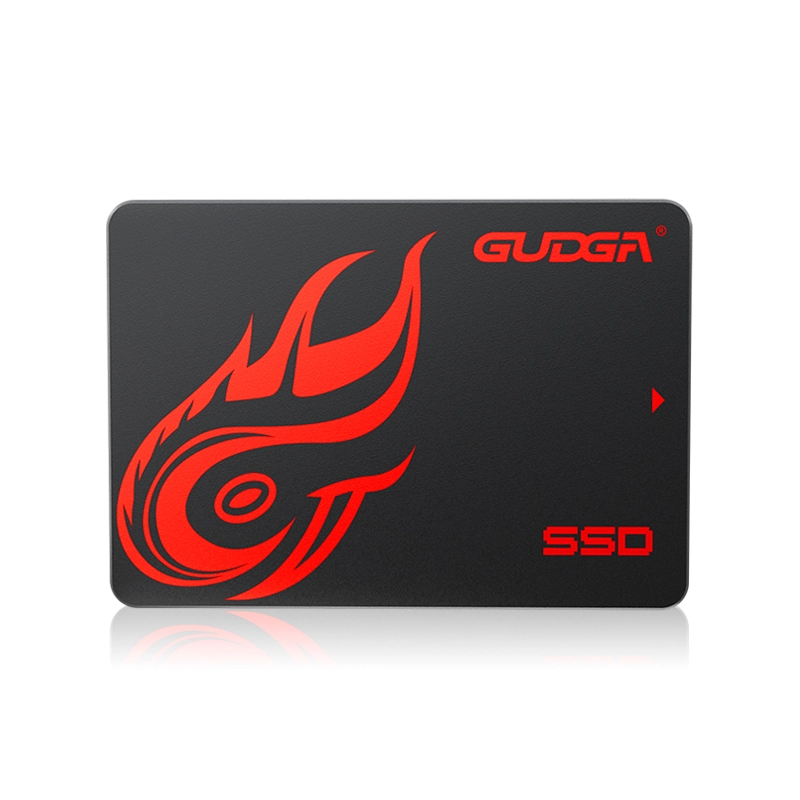
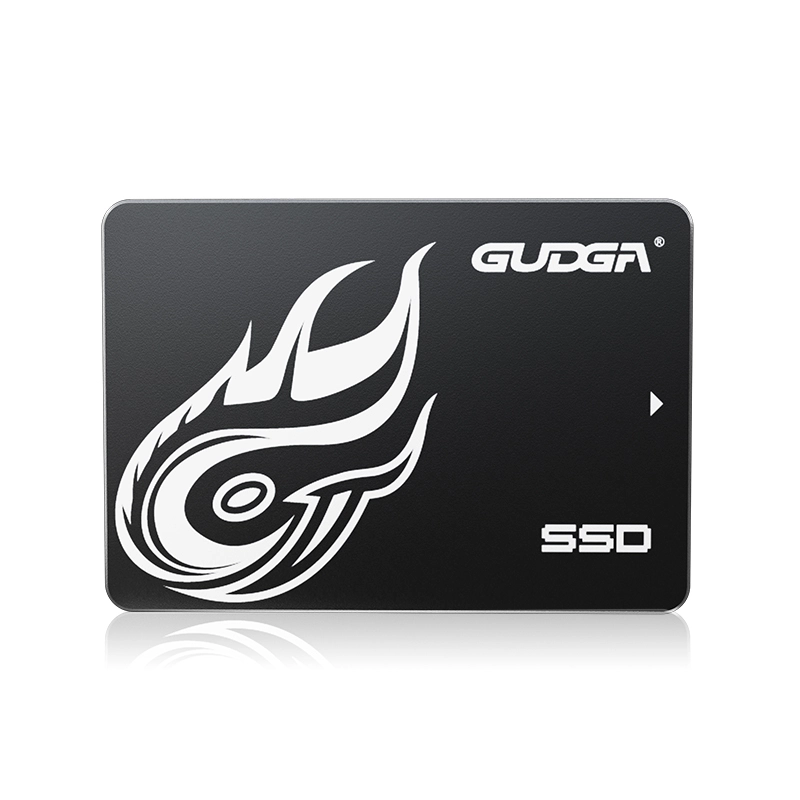
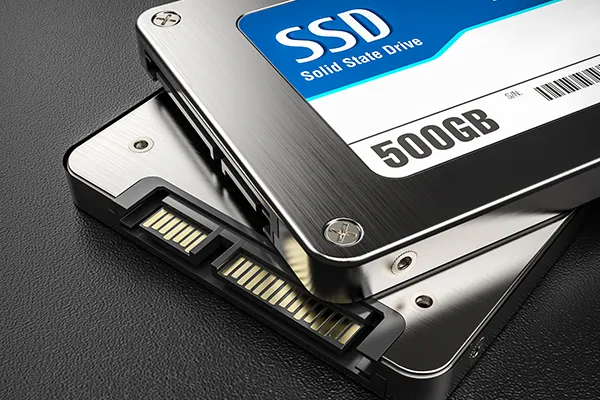
As data-intensive applications become increasingly common, traditional hard disk drives often struggle to keep pace with modern performance demands. 2.5 SATA SSDs have become one of the most popular storage solutions for laptops, desktops, industrial computers, surveillance systems, and embedded devices due to their excellent balance of speed, reliability, compatibility, and affordability.Internal Solid State Drive

This guide explains how 2.5 SATA SSDs work, their advantages over HDDs, key buying considerations, common application scenarios, and how to choose the right SSD for your needs.


Table of Contents


Article Outline

  1. Introduction to 2.5 SATA SSD Technology
  2. Working Principle of Solid State Storage
  3. Performance Advantages Compared with HDDs
  4. Industry and Consumer Applications
  5. Selection Criteria for Buyers
  6. Maintenance Recommendations
  7. Frequently Asked Questions

What Is a 2.5 SATA SSD?

A 2.5 SATA SSD (Solid State Drive) is a storage device that uses NAND flash memory to store data and communicates through the SATA interface. The "2.5-inch" designation refers to the physical form factor, making it compatible with most laptops, desktop computers, industrial PCs, and storage systems designed for 2.5-inch drives.

Unlike traditional hard disk drives that rely on spinning platters and mechanical read/write heads, SSDs contain no moving parts. This design significantly improves speed, durability, energy efficiency, and overall reliability.

Today, 2.5 SATA SSDs remain one of the most widely deployed storage solutions because they offer an excellent balance between performance and cost while maintaining broad compatibility with existing systems.


How Do 2.5 SATA SSDs Work?

2.5 SATA SSDs store information using NAND flash memory cells. Data is written, read, and erased electronically without mechanical movement.

The SSD controller acts as the drive's "brain," managing:

  • Data storage operations
  • Error correction
  • Wear leveling
  • Garbage collection
  • Performance optimization
  • Power management

When a user accesses files, the controller retrieves information directly from flash memory, resulting in significantly lower latency compared with traditional HDDs.

Because there are no moving components, SSDs can access data almost instantly, which translates into:

  • Faster system boot times
  • Quicker application launches
  • Improved multitasking performance
  • Smoother file transfers
  • Reduced system lag

Major Benefits of 2.5 SATA SSDs

1. Faster Performance

One of the primary reasons users upgrade to a 2.5 SATA SSD is speed. Compared with mechanical drives, SSDs dramatically reduce loading times and improve overall system responsiveness.

Performance Metric Typical HDD Typical 2.5 SATA SSD
Boot Time 30–90 Seconds 10–20 Seconds
Read Speed 80–160 MB/s 450–560 MB/s
Write Speed 70–150 MB/s 400–530 MB/s
Access Time Milliseconds Microseconds

2. Greater Reliability

Since SSDs contain no mechanical components, they are less susceptible to physical damage caused by vibration, shock, or accidental drops.

This makes them particularly suitable for:

  • Industrial computers
  • Transportation systems
  • Mobile workstations
  • Field equipment
  • Portable devices

3. Lower Power Consumption

Energy efficiency is another major advantage. SSDs require less power than traditional hard drives, helping:

  • Extend laptop battery life
  • Reduce system heat generation
  • Improve energy efficiency in data-intensive environments
  • Lower operating costs

4. Silent Operation

Because SSDs have no spinning disks or moving heads, they operate virtually silently, creating a more comfortable working environment.

5. Compact and Lightweight Design

The lightweight construction of 2.5 SATA SSDs makes them ideal for modern compact systems where space and weight matter.


2.5 SATA SSD vs HDD Comparison

Feature 2.5 SATA SSD Traditional HDD
Speed Very Fast Moderate
Durability Excellent Moderate
Noise Silent Audible
Power Usage Low Higher
Shock Resistance High Low
Heat Generation Low Higher
Maintenance Needs Minimal Higher
Boot Speed Fast Slow

Common Applications of 2.5 SATA SSDs

The versatility of 2.5 SATA SSDs makes them suitable for a wide range of industries and computing environments.

Personal Computers

  • Desktop upgrades
  • Laptop performance improvements
  • Gaming systems
  • Home office computers

Industrial Computing

  • Factory automation
  • Industrial control systems
  • Machine vision equipment
  • Edge computing devices

Surveillance Systems

  • Video recording storage
  • Security monitoring equipment
  • NVR and DVR platforms

Healthcare Equipment

  • Medical imaging systems
  • Diagnostic equipment
  • Patient monitoring devices

Commercial Applications

  • Point-of-sale terminals
  • Digital signage
  • Kiosks
  • Business workstations

How to Choose the Right 2.5 SATA SSD

Selecting the right SSD involves evaluating several important factors.

Storage Capacity

Usage Scenario Recommended Capacity
Basic Office Work 240GB–512GB
General Business Use 512GB–1TB
Gaming 1TB–2TB
Content Creation 2TB+
Industrial Storage Application Dependent

Endurance Rating

Check the TBW (Terabytes Written) specification. Higher TBW ratings indicate better durability for write-intensive workloads.

Controller Quality

The controller significantly affects performance, stability, and lifespan. Enterprise and industrial applications typically require advanced controllers with robust error correction capabilities.

NAND Flash Type

  • SLC – Highest endurance
  • MLC – Excellent balance
  • TLC – Cost-effective and widely used
  • QLC – Higher capacity at lower cost

Warranty and Support

A comprehensive warranty and responsive technical support can provide valuable long-term protection for your investment.


Installation and Upgrade Tips

Upgrading to a 2.5 SATA SSD is generally straightforward.

  1. Back up important data.
  2. Verify SATA compatibility.
  3. Select the appropriate storage capacity.
  4. Clone the existing drive if necessary.
  5. Install the SSD securely.
  6. Configure BIOS settings if required.
  7. Install or migrate the operating system.
  8. Enable AHCI mode for optimal performance.

Many users experience immediate improvements in startup speed and application responsiveness after installation.


Best Practices for Long-Term Performance

  • Maintain available free storage space.
  • Keep firmware updated.
  • Avoid unnecessary write-intensive operations.
  • Use TRIM-supported operating systems.
  • Perform regular backups.
  • Monitor drive health periodically.

Following these practices can help maximize SSD lifespan and maintain consistent performance over time.


Frequently Asked Questions

Q1: Are 2.5 SATA SSDs compatible with older computers?

Yes. Most computers equipped with SATA interfaces can support 2.5 SATA SSDs, making them one of the easiest storage upgrades available.

Q2: Is a SATA SSD still worth buying compared with NVMe SSDs?

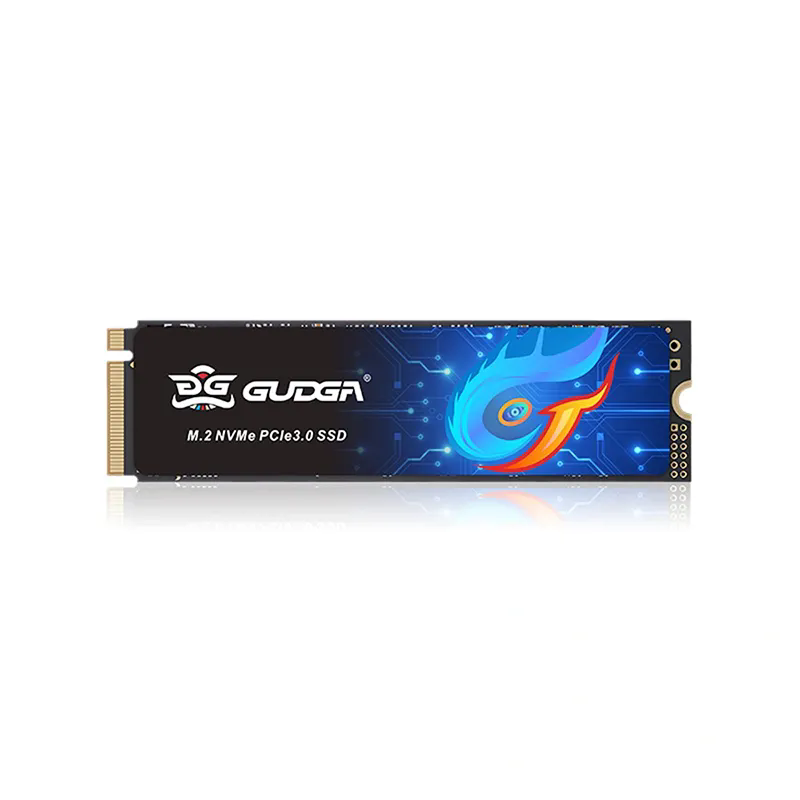
Absolutely. While NVMe drives are faster, SATA SSDs offer excellent performance for everyday computing, business applications, industrial systems, and budget-conscious upgrades.

Q3: How long does a 2.5 SATA SSD typically last?

Depending on usage patterns, quality components, and endurance ratings, many SSDs can operate reliably for several years or longer.

Q4: Can I use a 2.5 SATA SSD for gaming?

Yes. Faster loading times and improved system responsiveness make SATA SSDs a popular choice for gaming systems.

Q5: Do SSDs require regular maintenance?

Maintenance requirements are minimal, but firmware updates, health monitoring, and regular backups are recommended.


Conclusion

2.5 SATA SSDs continue to be one of the most practical and reliable storage solutions available today. They deliver substantial improvements in speed, durability, energy efficiency, and overall user experience compared with traditional hard drives. Whether you are upgrading a laptop, optimizing a business workstation, deploying industrial equipment, or improving storage reliability in commercial applications, a quality 2.5 SATA SSD can provide long-term value and dependable performance.

GUDAG offers high-quality 2.5 SATA SSD solutions designed to meet the needs of consumer, commercial, and industrial applications. If you are looking for dependable storage products, customized solutions, or professional technical assistance, contact us today to discuss your requirements and discover how GUDAG can help optimize your storage infrastructure.

Related News
Leave me a message
X
We use cookies to offer you a better browsing experience, analyze site traffic and personalize content. By using this site, you agree to our use of cookies.Privacy Policy
RejectAccept