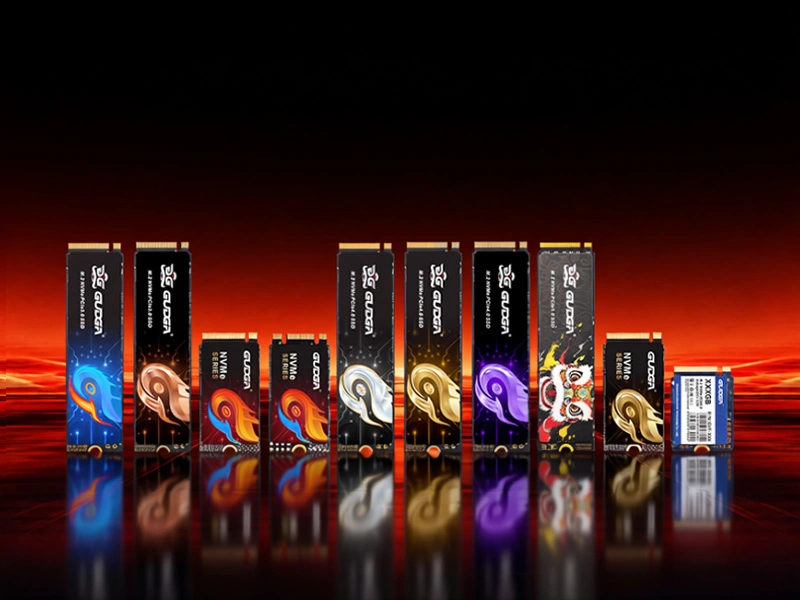
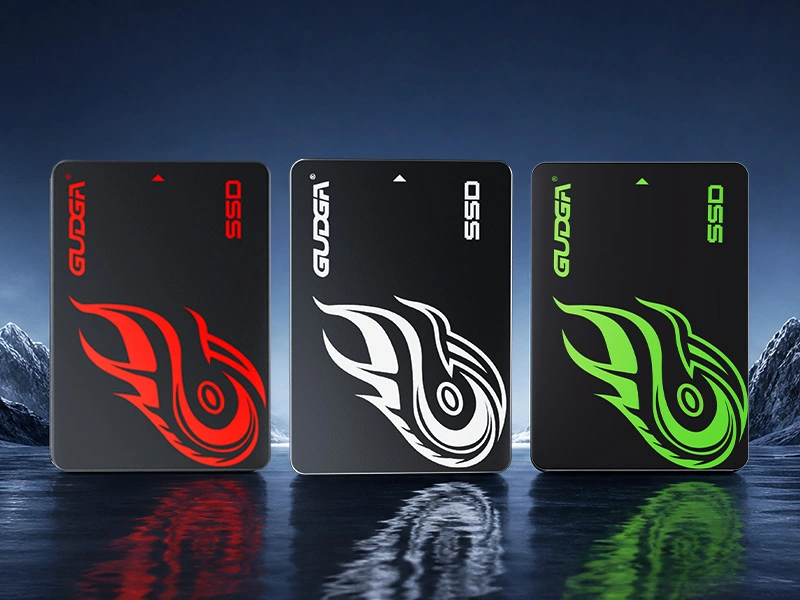
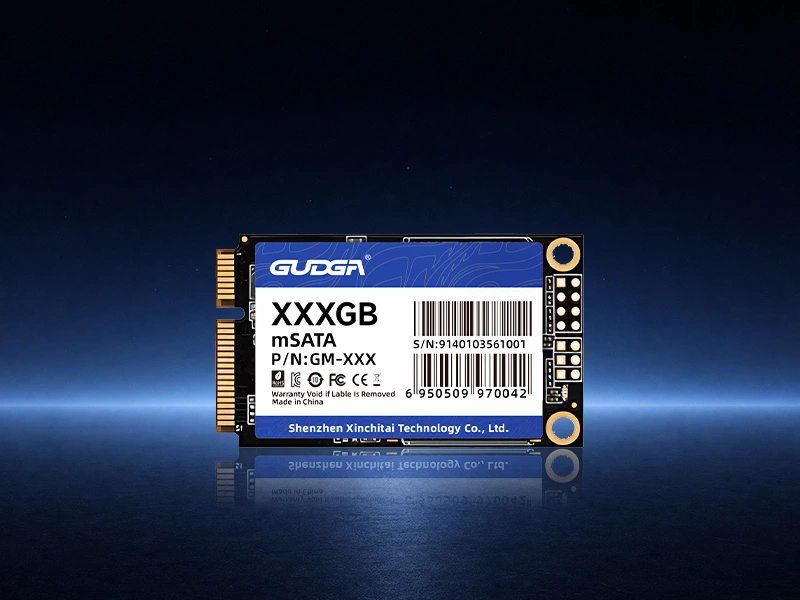
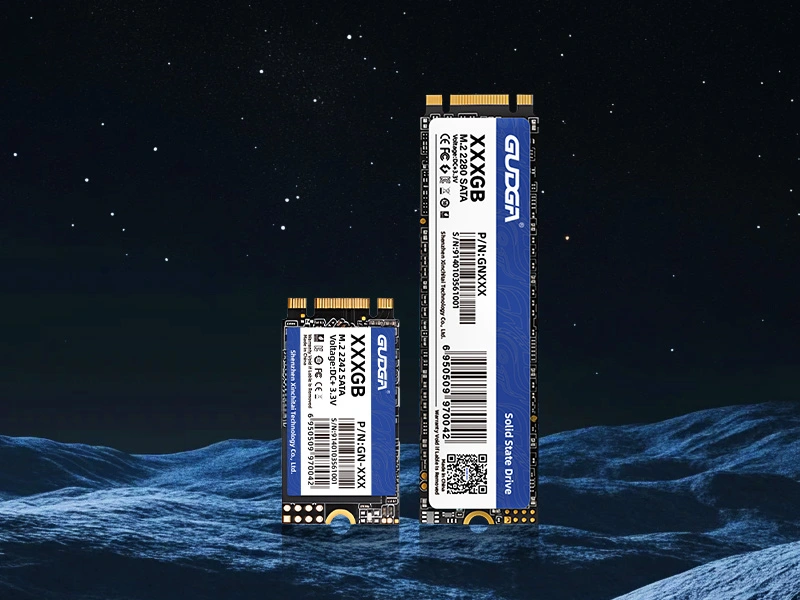
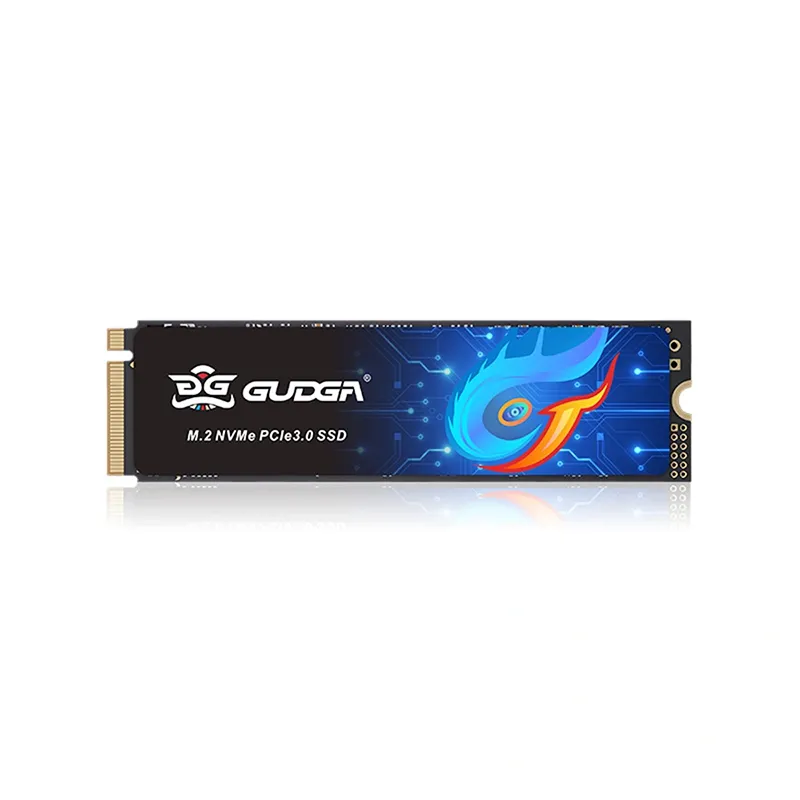
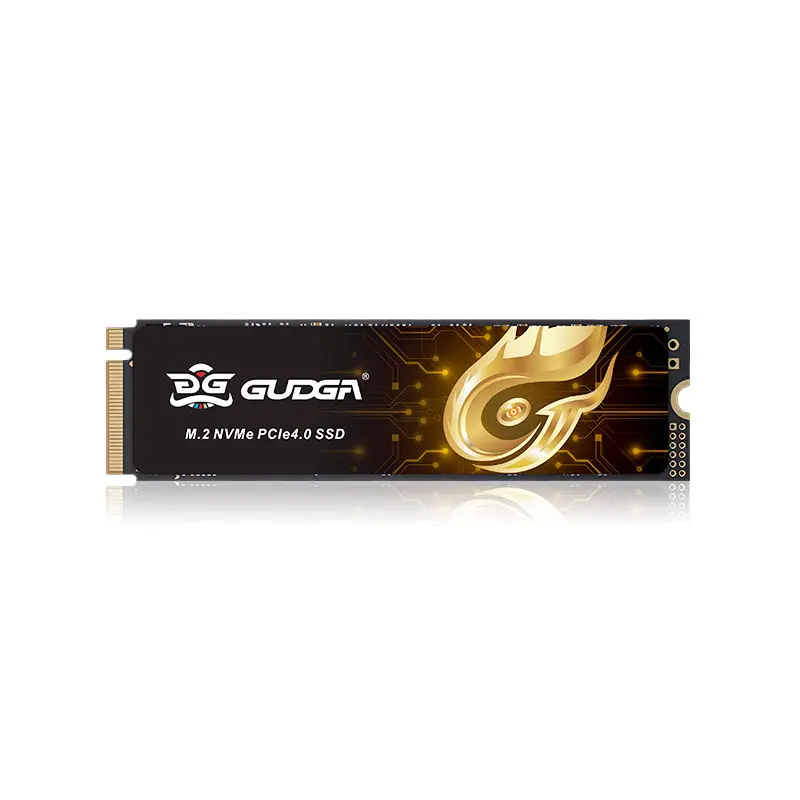
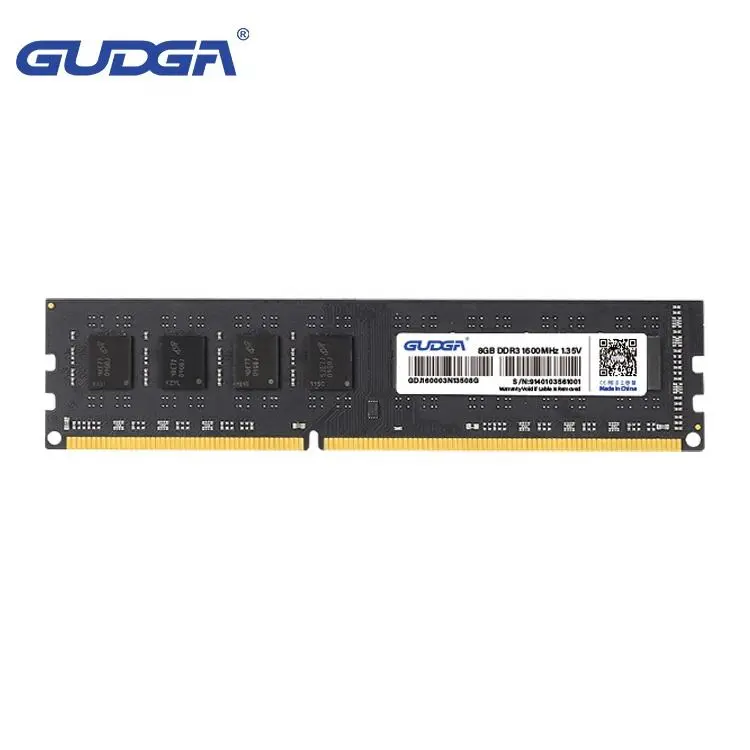
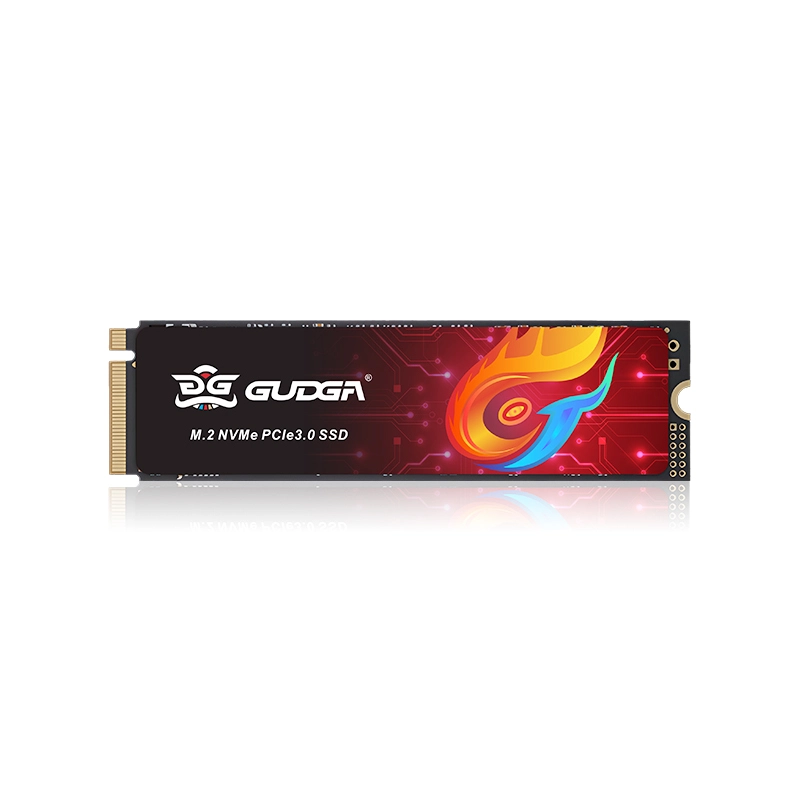
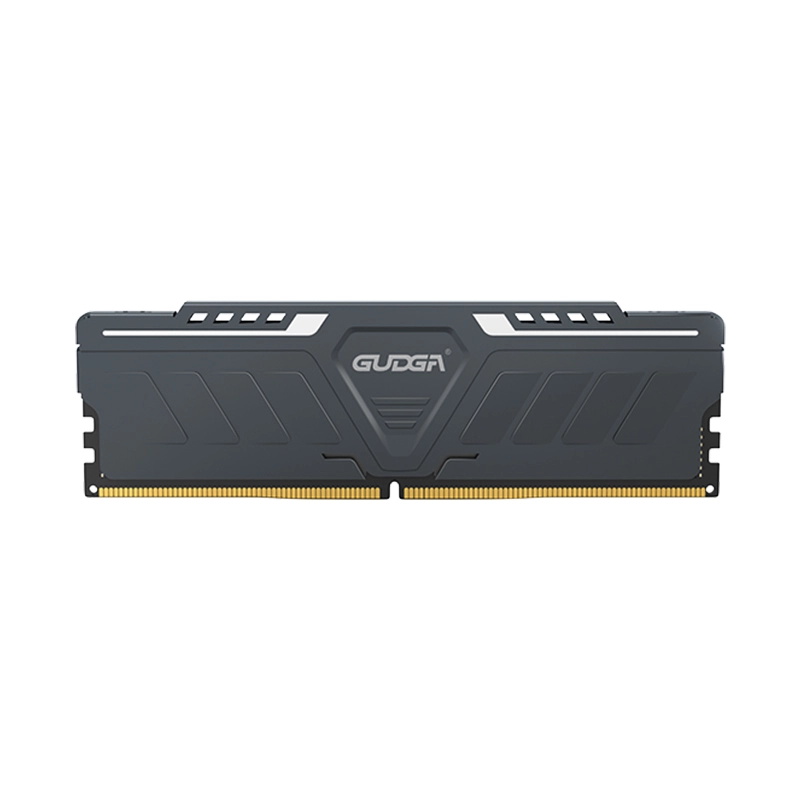
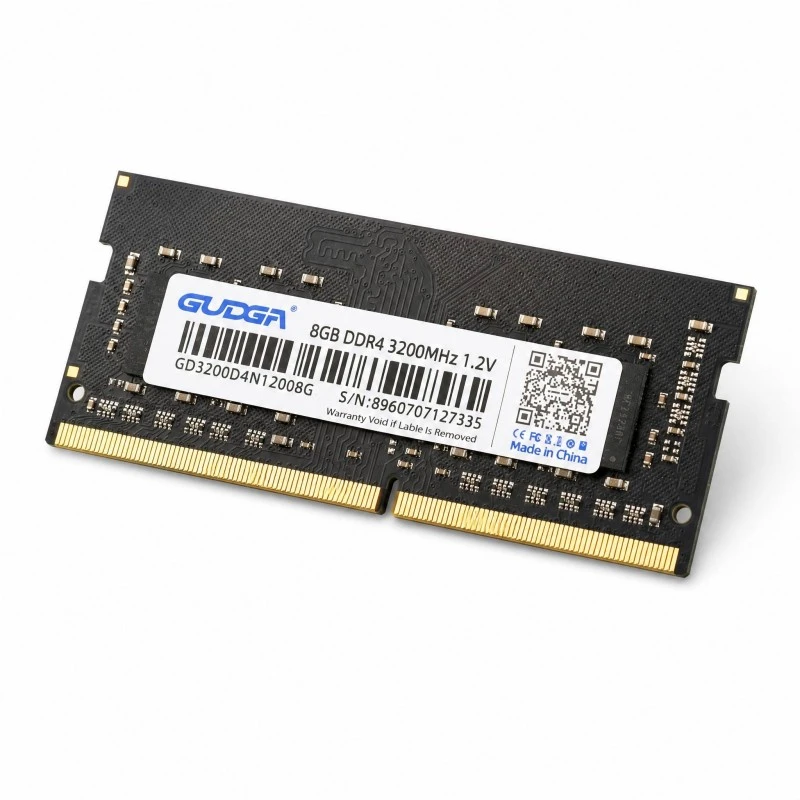
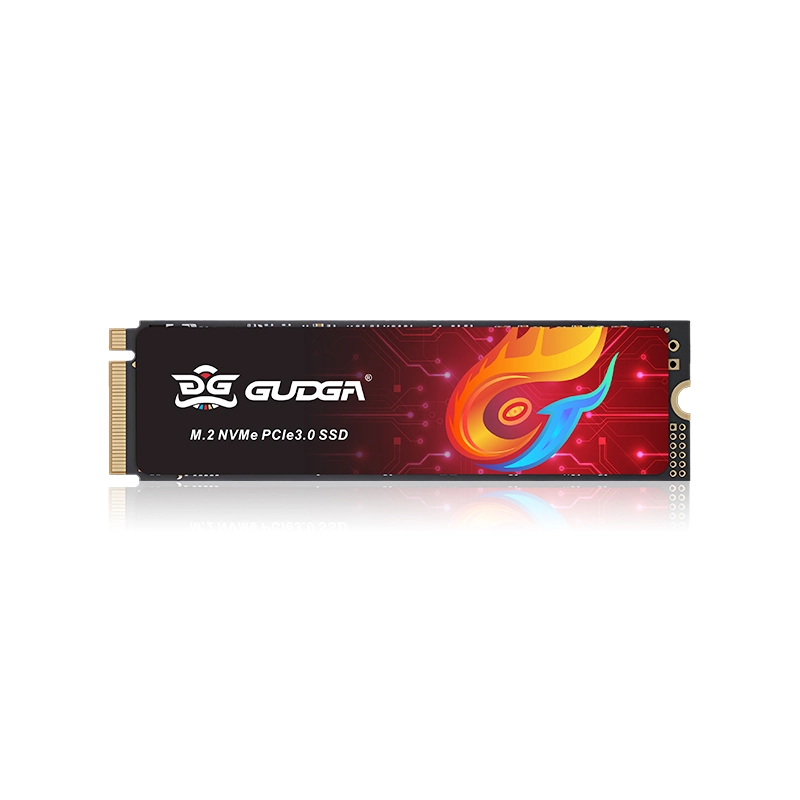
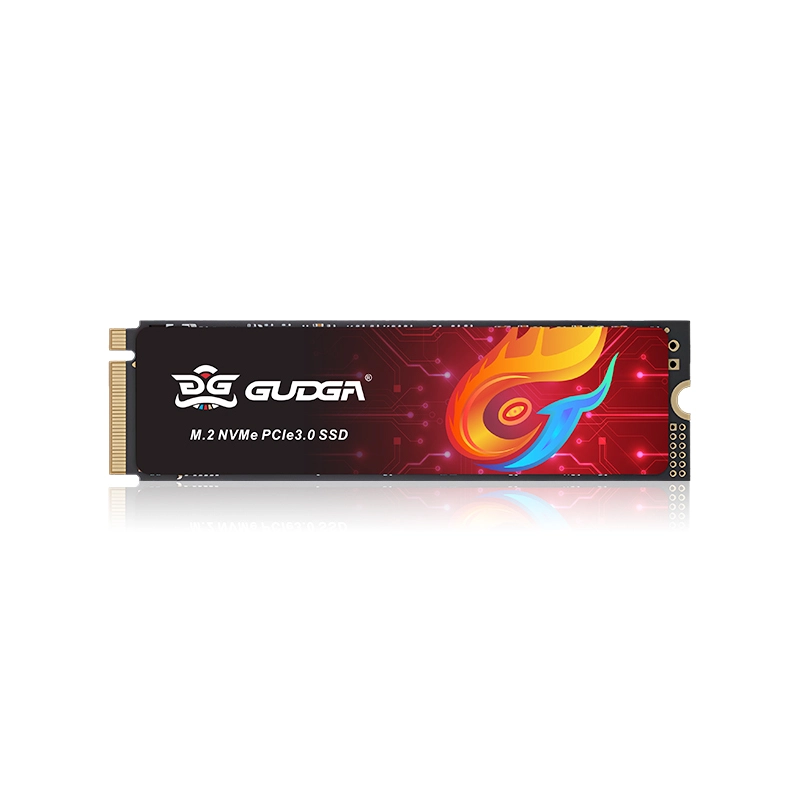
GUDGA provides storage solutions designed to meet the performance and reliability requirements of modern computing systems. The NVME M.2 PCIE 3.0X4 2400mb/s 2280mm SSD is a practical storage option for users seeking faster data access, responsive system operation, and a compact hardware design. By combining the M.2 2280 form factor with a PCIe 3.0 x4 interface, this type of solid-state drive can support operating systems, productivity applications, business computers, and other workloads that benefit from efficient storage performance.
Article Summary: This guide explains how an NVMe M.2 PCIe 3.0 x4 SSD works, what a sequential read speed of up to 2400 MB/s means, how the 2280 form factor affects compatibility, and which factors buyers should evaluate before selecting a drive. It also compares common storage options and provides practical installation, maintenance, and purchasing recommendations for businesses and individual users.
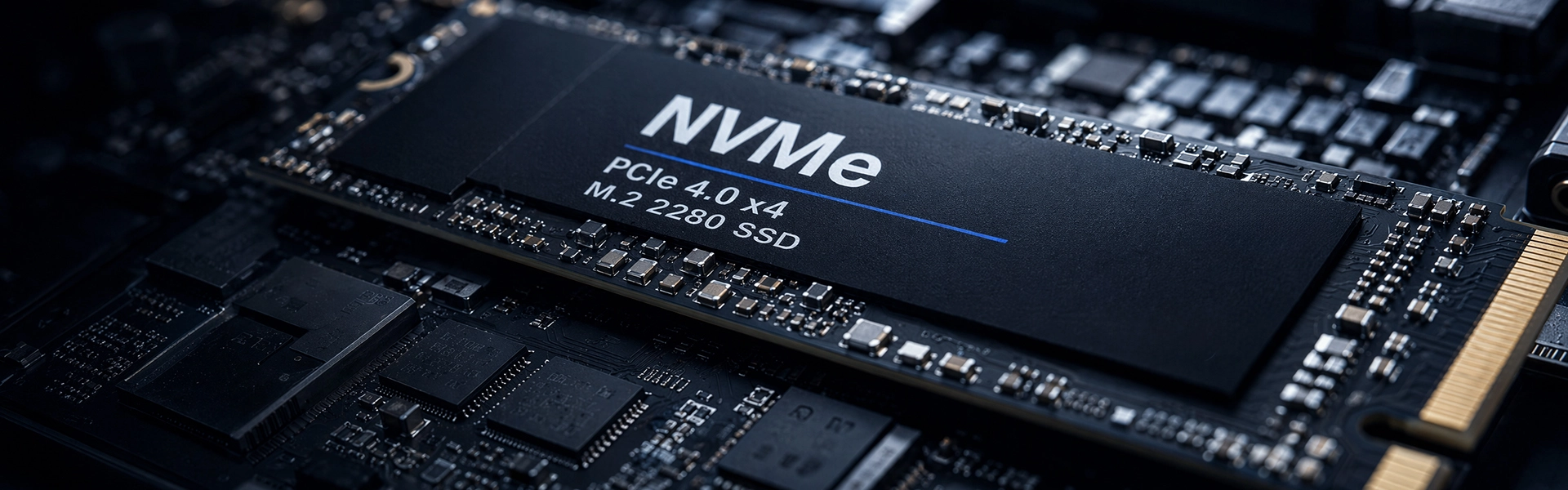
An NVMe M.2 SSD is a solid-state storage device that uses the Non-Volatile Memory Express protocol to communicate with a computer through a high-speed interface. Unlike traditional hard disk drives, SSDs store data in flash memory and have no moving mechanical components. This design helps reduce access latency, improve responsiveness, and withstand normal operating vibrations without the mechanical limitations of spinning disks.
Each part of the product keyword describes an important characteristic:
These characteristics make an NVMe M.2 PCIe 3.0 x4 SSD suitable for compact systems that need faster storage without occupying a traditional 2.5-inch drive bay. However, buyers should distinguish between interface capability and the performance of a specific model. The exact controller, NAND flash, firmware, and thermal design all influence real-world results.
Understanding the technical specifications helps buyers determine whether a drive matches their intended application. The product keyword identifies the interface, form factor, and stated read-speed target, but a complete evaluation should also cover capacity, write performance, endurance, power consumption, and warranty terms.
| Specification | Indicated Feature | Why It Matters |
|---|---|---|
| Storage protocol | NVMe | Enables efficient communication between the operating system and compatible solid-state storage. |
| Physical interface | M.2 | Supports a compact installation without a conventional SATA data cable. |
| PCIe generation | PCIe 3.0 | Identifies the interface generation and its supported signaling rate. |
| Lane configuration | x4 | Provides four PCIe lanes for communication with the host system. |
| Sequential read speed | Up to 2400 MB/s as indicated by the keyword | Helps estimate performance when reading large, sequentially stored files. |
| Module dimensions | 2280, approximately 22 × 80 mm | Determines whether the module fits the available mounting space. |
| Capacity | Confirm the selected configuration | Determines how much data, software, and project content can be stored. |
| Endurance and warranty | Confirm the manufacturer's datasheet | Helps assess suitability for sustained workloads and long-term deployment. |
Important purchasing note: The table describes the characteristics indicated by the keyword, not a complete verified datasheet. For exact capacities, sequential write speeds, random IOPS, endurance ratings, operating temperatures, and warranty conditions, consult the specifications of the selected GUDGA model.
A sequential read speed of up to 2400 MB/s can provide a substantial improvement over many conventional hard drives and SATA-based storage devices. This capability is particularly relevant when a computer frequently reads large files or loads substantial amounts of data from storage.
Large documents, project folders, software packages, and media files can be transferred more efficiently when the source drive, destination drive, and system interface support sufficiently high data rates. For users who regularly work with large datasets, the difference can reduce waiting time during common file operations.
Installing an operating system and frequently used applications on an SSD can improve boot times, application launch responsiveness, and general system interaction. The benefits depend on the computer's processor, memory, software configuration, and background workload, but faster storage can eliminate an important performance bottleneck.
NVMe storage can handle multiple outstanding input and output requests efficiently. This makes it useful for development environments, office workstations, and systems that access many files while running several applications. However, multitasking performance depends on more than sequential read speed; random read/write performance and sustained write behavior are also important.
The advertised 2400 MB/s figure should not be interpreted as a guarantee that every operation will run at that rate. Sequential transfers of large files may approach the stated maximum under suitable conditions, while small random operations, nearly full drives, thermal limitations, or slower destination devices can produce lower results.
For buyers comparing several models, it is useful to review both peak specifications and independent benchmark results measured under comparable conditions.
An NVMe M.2 PCIe 3.0 x4 SSD with a 2280 form factor can serve a wide range of computing applications when the host device supports the required M.2 NVMe interface.
For write-intensive applications, such as continuous recording, frequent database updates, or sustained data logging, buyers should pay particular attention to write endurance, sustained write speed, thermal management, and power-loss behavior rather than relying on the read-speed specification alone.
Choosing the right storage technology involves balancing speed, cost, compatibility, and capacity. The following comparison illustrates general differences among common storage options. Actual performance varies by model and workload.
| Storage Type | Interface or Technology | Main Advantages | Key Considerations |
|---|---|---|---|
| Traditional HDD | Mechanical magnetic storage | Often offers economical high-capacity storage. | Mechanical latency and moving parts can limit responsiveness. |
| SATA SSD | SATA interface | Lower latency than an HDD and broad compatibility with SATA systems. | Performance is limited by the SATA interface. |
| NVMe PCIe 3.0 x4 SSD | PCIe 3.0 with NVMe | Compact installation and high-speed storage access. | Requires compatible M.2 NVMe support. |
| NVMe PCIe 4.0 SSD | PCIe 4.0 with NVMe | Offers higher interface bandwidth for compatible high-performance drives. | Benefits depend on the SSD, host platform, workload, and budget. |
A PCIe 3.0 x4 SSD can be a sensible choice when the target computer uses PCIe 3.0, when the required performance does not justify a newer interface, or when cost-effective upgrades are a priority. A newer PCIe generation is not automatically the best option for every system; practical compatibility and workload requirements should guide the decision.
For a broader technical explanation, see the official NVM Express organization and the PCI-SIG website for information about NVMe and PCI Express standards.
The M.2 label alone does not guarantee compatibility. M.2 describes a physical form factor, while the socket and platform determine which storage protocols and interfaces are supported. A computer may have an M.2 slot designed for SATA, PCIe NVMe, or specific combinations of devices.
Before purchasing a 2280 NVMe SSD, follow these checks:
A PCIe 3.0 SSD may operate in a compatible newer-generation PCIe slot, but the negotiated connection and platform support determine the result. Always consult the host manufacturer's documentation rather than assuming that every M.2 slot supports every NVMe drive.
Correct installation helps protect the hardware and ensures that the operating system can recognize the new drive. The precise procedure varies by computer, so follow the manufacturer's service instructions.
SSDs require less mechanical maintenance than HDDs, but good storage management remains important. Keep adequate free space, maintain reliable backups, monitor drive health using compatible tools, and install firmware updates only when appropriate for the specific model.
For workloads involving large sustained transfers, monitor temperatures and performance consistency. If the drive is used in an industrial environment, confirm that its specified operating temperature, vibration tolerance, and other environmental ratings meet the application requirements.
For businesses, distributors, system integrators, and OEM customers, selecting an SSD involves more than comparing a single speed figure. Product consistency, documentation, technical support, and supply arrangements can influence the overall cost and reliability of a deployment.
When evaluating GUDGA or another storage supplier, consider the following factors:
These checks help buyers distinguish between a product that merely meets an interface requirement and one that is appropriate for a specific operational environment. For volume purchasing, request current documentation and confirm all specifications in writing before placing an order.
To review the model details, visit the GUDGA NVMe M.2 PCIe 3.0 x4 SSD product page.
NVMe is the storage communication protocol, M.2 is the physical module form factor, PCIe 3.0 identifies the interface generation, and x4 indicates a four-lane PCIe connection. Together, these terms describe a compact solid-state drive designed to communicate through a compatible PCIe-based storage interface.
For many office computers, general productivity applications, web development tasks, and everyday file operations, a sequential read speed of up to 2400 MB/s can provide responsive storage performance. Professional workloads involving sustained transfers or frequent random writes should also be evaluated against write speed, IOPS, and endurance specifications.
No. M.2 defines a form factor rather than a universal storage protocol. Some M.2 slots support SATA devices, some support PCIe NVMe devices, and others support particular combinations. Check the computer or motherboard manual before purchasing an SSD.
The 2280 designation refers to an M.2 module that is approximately 22 mm wide and 80 mm long. The host device must have a compatible socket and mounting point for this module size.
It can generally work when the slot supports NVMe devices and is backward-compatible with PCIe 3.0. The drive operates according to the negotiated connection and platform capabilities. The motherboard documentation should be checked to confirm compatibility.
No. Read and write speeds are different performance metrics. The actual write speed depends on the SSD controller, NAND flash, cache behavior, workload, and other design factors. Consult the model's official datasheet for its sequential and random write specifications.
Review the manufacturer's TBW or DWPD rating, warranty terms, and workload recommendations. Systems that write large amounts of data every day may need a higher-endurance model than computers used primarily for browsing, office work, and occasional file transfers.
Visit the official GUDGA product page and request the latest datasheet for exact capacity options, write performance, endurance, warranty, and other model-specific details.
The NVME M.2 PCIE 3.0X4 2400mb/s 2280mm SSD combines a compact 2280 module with an NVMe storage protocol and a PCIe 3.0 x4 interface. Its stated sequential read-speed target makes it a potential fit for business computers, compatible laptops, industrial computing platforms, and other systems that benefit from responsive solid-state storage. The best purchasing decision, however, depends on verified specifications, host compatibility, capacity, write endurance, thermal conditions, and the intended workload. If you are evaluating storage solutions for an upgrade, an OEM project, or a volume procurement plan, visit the GUDGA product page and contact us to discuss your application requirements, request detailed technical specifications, and identify a suitable storage configuration for your project.