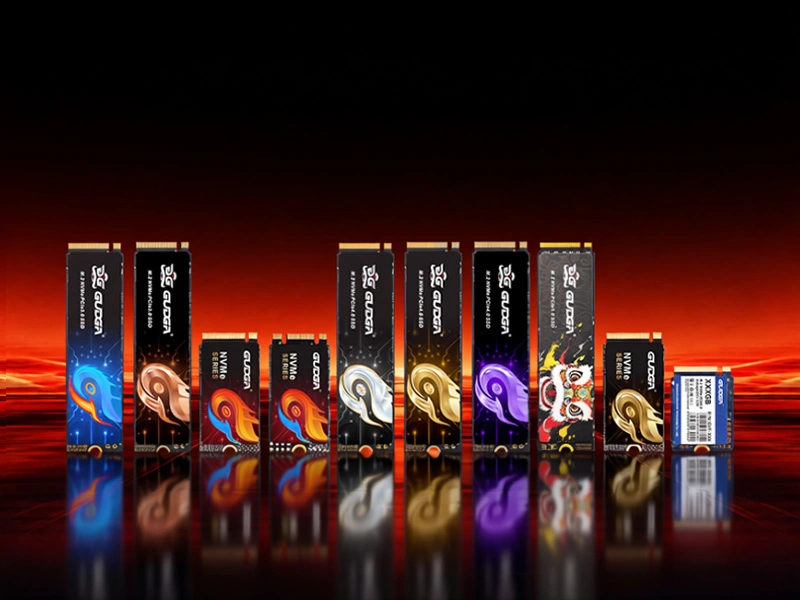
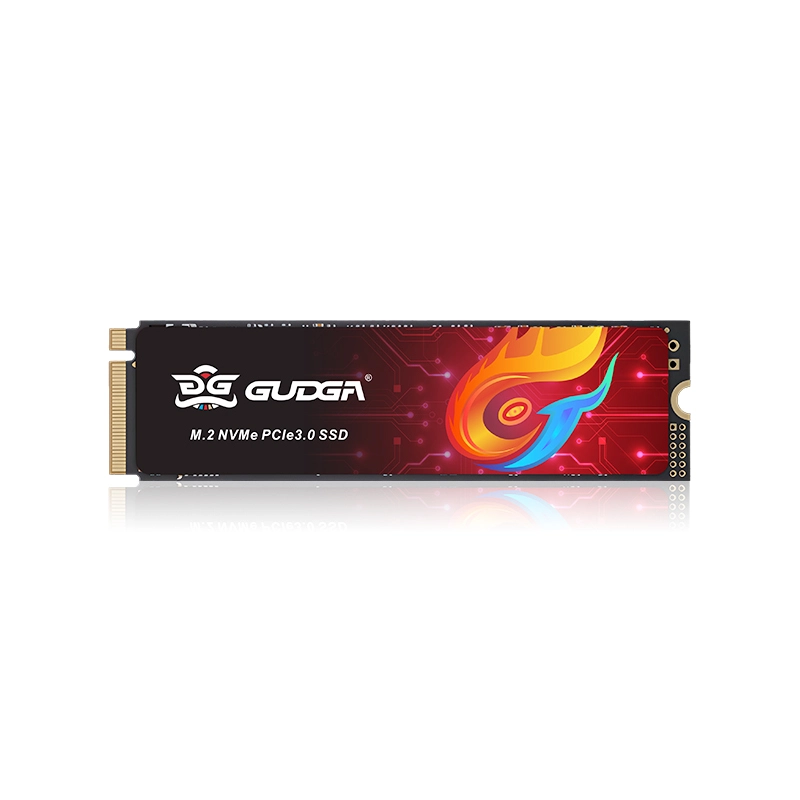
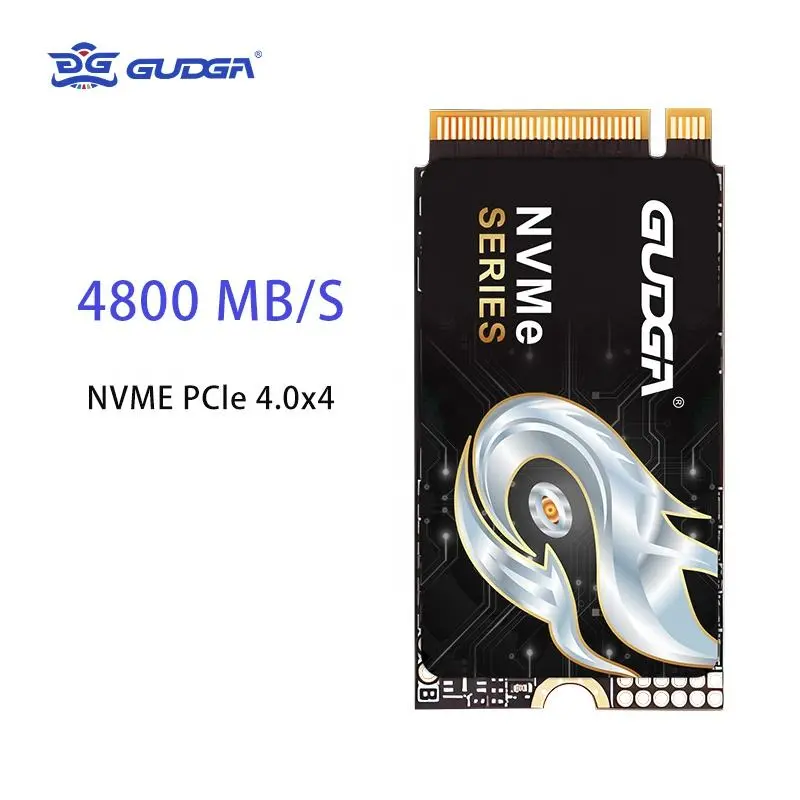
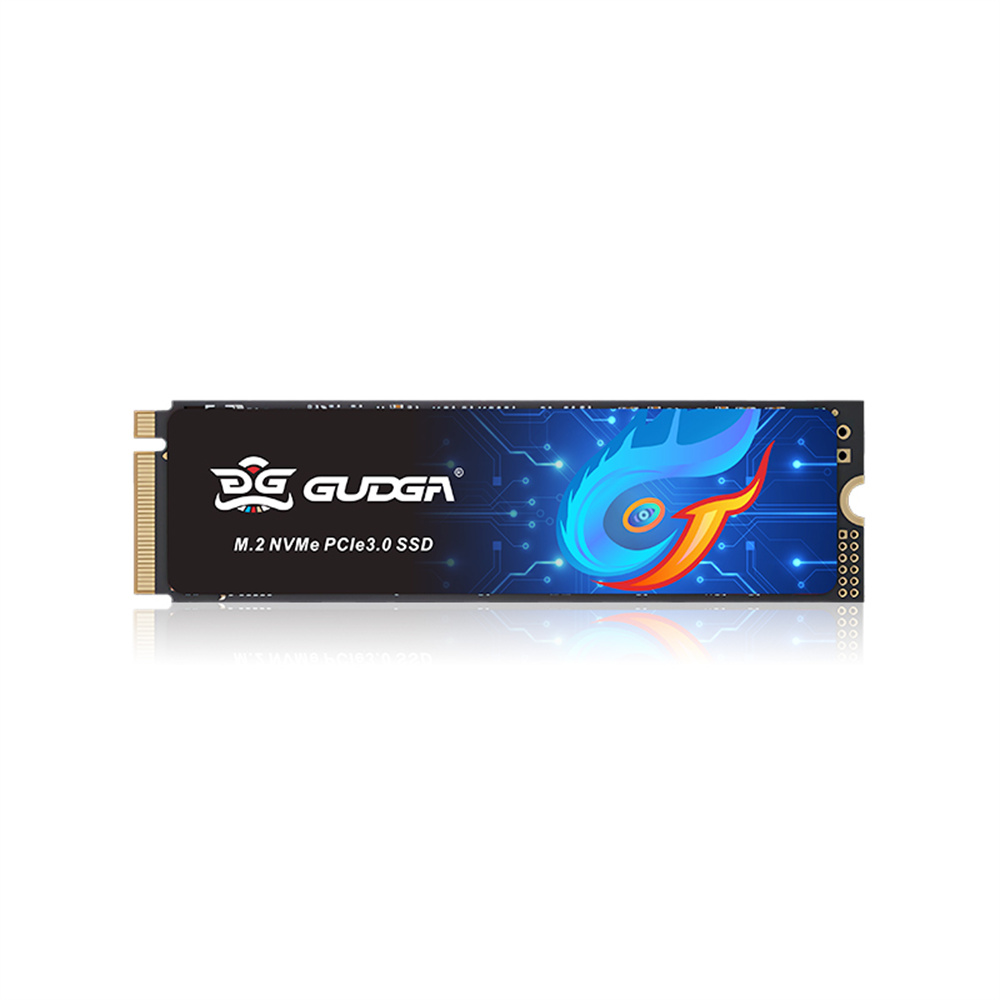
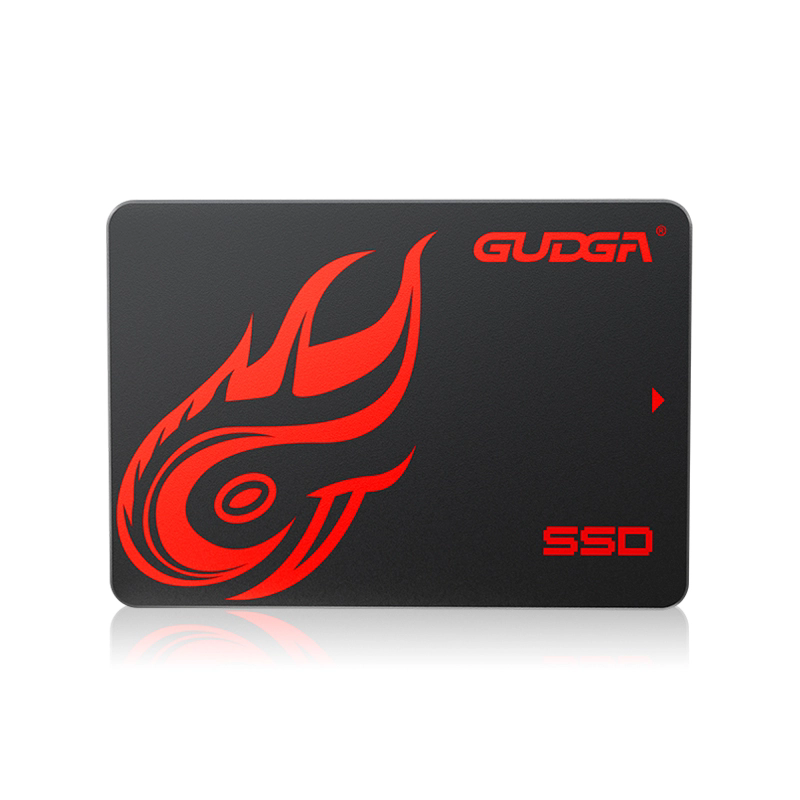
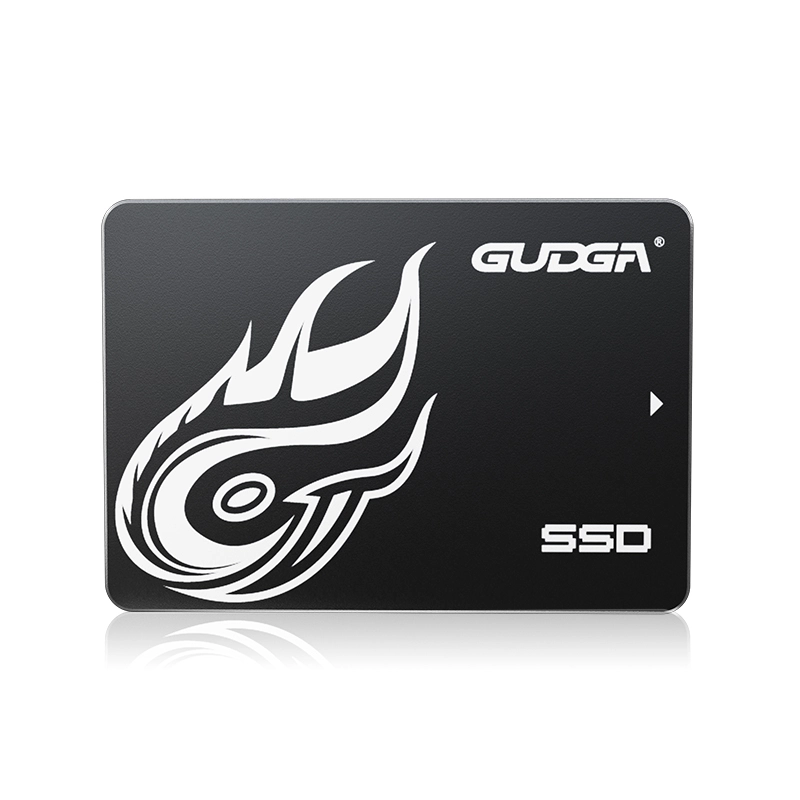
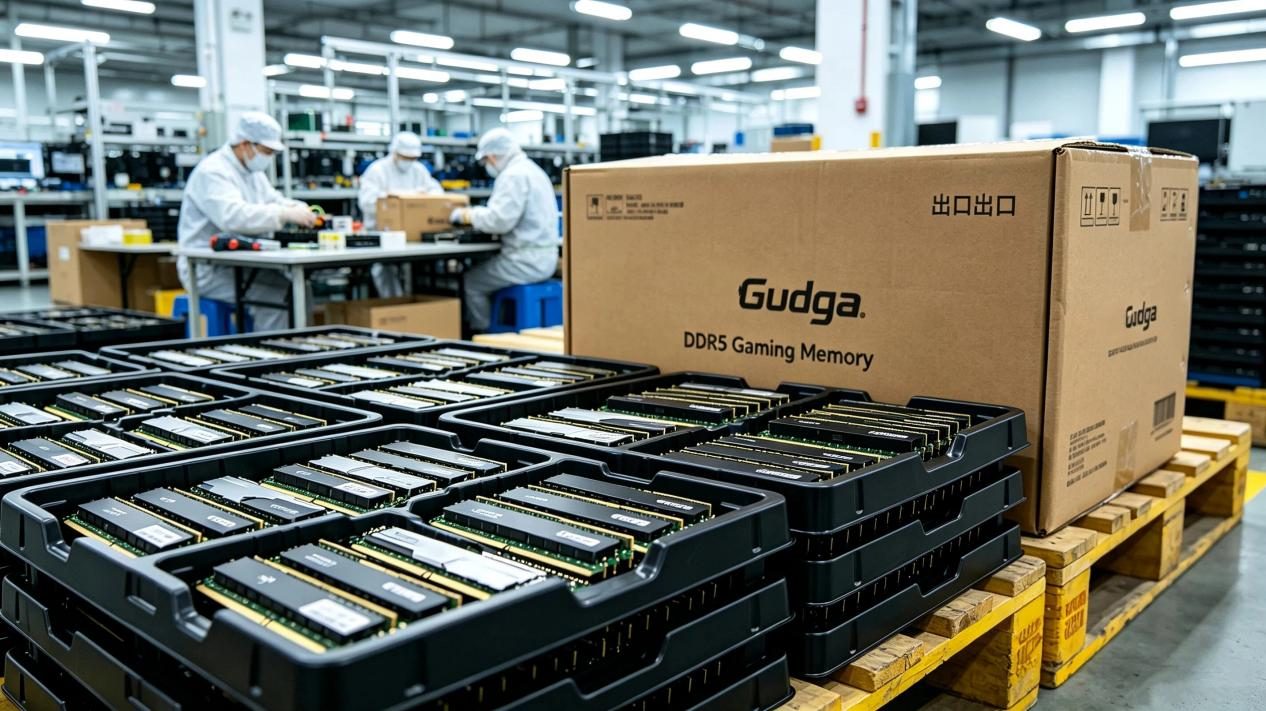
For laptop users who want faster boot times, smoother multitasking, and more responsive applications, choosing the right storage device can make a noticeable difference. GUDGA offers the Internal NVME M.2 PCIE Gen3.0X4 for Laptop, a compact solid-state drive designed to combine high-speed data transfer, flexible storage capacity, and practical installation in compatible laptops. Understanding its interface, performance characteristics, and compatibility requirements can help buyers make a more informed storage upgrade decision.
An internal NVMe M.2 PCIe Gen3.0 x4 SSD is a modern storage solution for laptops that need faster data access and dependable everyday performance. By using the PCIe interface and NVMe protocol, this type of SSD can deliver substantially higher sequential transfer speeds than traditional SATA-based storage, provided the host system supports the required connection.
1. Understanding Internal NVMe M.2 PCIe Gen3.0 x4 SSDs
2. Key Features That Matter for Laptop Storage
3. Product Specifications and Performance Expectations
4. Why Upgrade to a PCIe Gen3.0 x4 SSD?
5. Common Applications and Ideal Users
6. How to Check Laptop Compatibility
7. How to Choose the Right SSD Capacity
8. Installation and Maintenance Tips
10. Conclusion: Choose a Practical Storage Upgrade
An internal NVMe M.2 PCIe Gen3.0 x4 SSD is a solid-state storage device that combines a compact physical form factor with a high-bandwidth data interface. Each part of its name describes a different aspect of the technology, and understanding these terms makes it easier to compare storage products accurately.
The combination of PCIe and NVMe allows an SSD to process storage requests efficiently and handle multiple operations in parallel. This can improve system responsiveness when applications access many files or perform demanding read-and-write tasks.
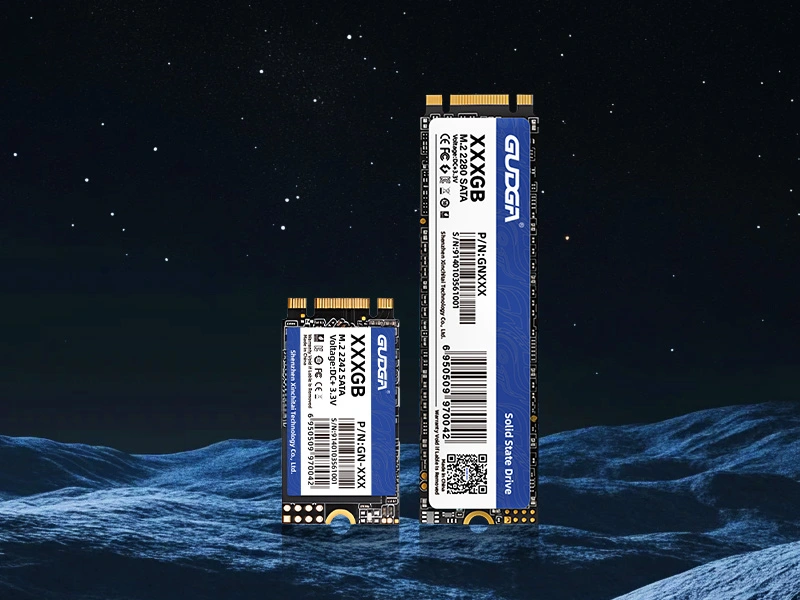
However, M.2 describes a form factor, not a guarantee of NVMe compatibility. An M.2 slot may support SATA, PCIe/NVMe, or both, depending on the laptop design. Buyers should verify the supported protocol and physical dimensions before ordering a replacement drive.
GUDGA specifies sequential read speeds of up to 3500 MB/s and sequential write speeds of up to 3000 MB/s for the featured product. These figures indicate its intended high-performance positioning, although actual results depend on the drive configuration, laptop platform, workload, temperature, and available PCIe bandwidth.
Sequential speeds are particularly relevant when transferring large files, copying video projects, or loading substantial datasets. Everyday tasks such as opening a browser or launching office software also benefit from responsive storage, but their improvement depends on other system components and workload characteristics.
NVMe is designed for flash storage and supports efficient command handling and parallel operations. Compared with the older AHCI protocol commonly associated with SATA storage, NVMe can reduce protocol overhead and improve performance under suitable workloads.
This advantage is useful for multitasking, software development, content creation, and other activities involving frequent storage access. The actual improvement varies by application, so maximum sequential speed should not be the only factor in an SSD purchasing decision.
The M.2 format eliminates the need for separate SATA data and power cables. This makes compatible M.2 SSDs suitable for laptop interiors where space and cable management are important considerations.
Before installation, users should confirm the supported module length, mounting position, connector type, and available clearance. A physically fitting drive is not necessarily electrically compatible with every M.2 slot.
The GUDGA product page lists capacity options of 128GB, 256GB, 512GB, 1TB, 2TB, and 4TB. This range can accommodate different storage requirements, from basic office use to larger software libraries and multimedia collections. Availability should be confirmed for the specific configuration being ordered.
Reviewing the product specifications helps buyers determine whether an SSD matches their laptop, storage requirements, and performance expectations. The following table summarizes the information published on the GUDGA product page.
| Specification | Product Information | Practical Consideration |
|---|---|---|
| Product Name | Internal NVME M.2 PCIE Gen3.0X4 for Laptop | Designed for compatible internal laptop storage applications |
| Interface | M.2 PCIe 3.0 NVMe | The laptop must support PCIe/NVMe storage |
| PCIe Configuration | Gen3.0 x4 | Maximum performance depends on the host interface and drive implementation |
| Sequential Read Speed | Up to 3500 MB/s | Actual results vary by configuration and workload |
| Sequential Write Speed | Up to 3000 MB/s | Sustained write performance may differ from peak ratings |
| Listed Capacity Options | 128GB, 256GB, 512GB, 1TB, 2TB, 4TB | Select capacity according to operating system, applications, and file storage needs |
| Flash Memory | TLC flash listed in the product description | Confirm configuration-specific details when evaluating endurance |
| Thermal Feature | Thermal sticker | Actual temperatures depend on airflow, workload, and laptop design |
| Warranty | 5 years, as listed on the product page | Confirm the applicable terms and conditions with the supplier |
| Listed Lead Time | 4–15 days | Confirm current production and shipping schedules before ordering |
For additional product details, buyers can review the GUDGA Internal NVMe M.2 PCIe Gen3.0 x4 SSD product page.
One important distinction is that the advertised maximum speed represents a peak performance specification, not a guaranteed transfer rate for every task. Capacity, controller behavior, temperature, and the laptop's PCIe configuration can all influence measured results.
Upgrading to a compatible NVMe SSD can improve several aspects of everyday computing. The most noticeable gains usually occur when the original storage device is a mechanical hard drive or when an existing SSD is slower than the new drive.
PCIe Gen3.0 x4 also offers a practical balance between performance and platform compatibility for many older and mainstream laptops. A Gen3 SSD can be a sensible choice when the host system does not require a newer interface.
Nevertheless, storage is only one part of overall system performance. CPU capability, memory capacity, cooling, and software optimization continue to affect how quickly a laptop responds to demanding tasks.
For office workers, consultants, and business users, a fast internal SSD supports responsive document access, application loading, and local file management. Larger capacities can also help users maintain offline copies of business documents and frequently used resources.
Modern games can contain large installation files, extensive textures, and substantial downloadable content. An NVMe SSD can shorten loading times in games that benefit from faster storage access. However, it does not independently increase graphics processing power or guarantee higher frame rates.
Video editors, photographers, and designers often work with large media assets. A fast SSD can improve file import, project loading, and some editing workflows, especially when handling high-resolution footage or large collections of source files.
Software developers and technical professionals may use SSDs for source repositories, virtual machine images, local databases, and build environments. Workloads involving many simultaneous storage requests can benefit from NVMe's command-handling capabilities.
For system integrators, repair providers, and IT procurement teams, a standardized internal SSD can simplify laptop upgrades and replacement planning. Before placing a bulk order, buyers should verify compatibility across the intended laptop models and confirm the required capacity, warranty, and delivery arrangements.
Compatibility should be verified before purchasing an Internal NVME M.2 PCIE Gen3.0X4 for Laptop. The following checks help reduce the risk of ordering a drive that cannot be installed or recognized correctly.
PCIe generations can generally negotiate a compatible operating speed when the hardware supports the connection, but this should not be confused with universal M.2 compatibility. Slot wiring, protocol support, firmware, and module dimensions remain important.
The best SSD capacity depends on the user's applications, file sizes, and expected storage growth. Choosing a capacity that leaves adequate free space can make day-to-day file management easier.
| Capacity | Typical Use Case | What to Consider |
|---|---|---|
| 128GB | Basic computing and lightweight applications | Limited space for large software installations and media collections |
| 256GB | Everyday office work and student laptops | Suitable for moderate storage requirements |
| 512GB | General productivity, casual gaming, and mixed workloads | A practical balance for many everyday users |
| 1TB | Gaming, creative projects, and larger application libraries | More flexibility for large files and future expansion |
| 2TB | Professional media work and extensive local storage | Useful for larger project archives and software collections |
| 4TB | High-capacity storage requirements | Confirm laptop capacity support, configuration availability, and budget |
These categories are general guidelines rather than strict requirements. A user with cloud-based workflows may need less local storage, while a video editor or gamer may benefit from a larger drive. It is also important to distinguish advertised capacity from the usable space reported by the operating system.
Correct installation and sensible maintenance help protect both the SSD and the data stored on it.
Unlike mechanical hard drives, SSDs generally do not require traditional defragmentation. Modern operating systems typically use SSD-aware optimization, including TRIM where supported. Users should avoid repeatedly writing large amounts of unnecessary data and should maintain regular backups regardless of the drive's rated endurance.
PCIe Gen3.0 x4 means the drive is designed to communicate over a third-generation PCI Express connection using four lanes. This provides greater potential bandwidth than a comparable connection using fewer lanes, provided the laptop supports the configuration.
No. M.2 is a physical form factor, and not every M.2 slot supports NVMe. Some slots support SATA only, while others support PCIe/NVMe or both. Always check the laptop's official specifications before purchasing an SSD.
The product page lists sequential read speeds of up to 3500 MB/s and sequential write speeds of up to 3000 MB/s. Actual performance varies according to the drive configuration, laptop interface, workload, temperature, and other system conditions.
Capacity depends on your operating system, applications, games, and personal files. A 256GB or 512GB drive may suit general office work, while 1TB or larger options may be more appropriate for extensive game libraries, creative projects, and large media collections.
Possible causes include an incompatible slot, incorrect installation, outdated firmware, or a drive that has not been initialized. Check the laptop's firmware or BIOS/UEFI settings and the operating system's disk management utility. If the drive remains undetected, review the manufacturer's troubleshooting guidance or consult a qualified technician.
It can reduce loading times and improve the responsiveness of storage-intensive tasks. However, frame rates are primarily influenced by the CPU, GPU, memory, game engine, and graphics settings. A faster SSD does not guarantee higher FPS.
SSD lifespan depends on flash memory quality, write workload, operating temperature, controller design, and other factors. Total Bytes Written (TBW), where specified, is a useful endurance indicator. Buyers should check the endurance rating and applicable warranty for the exact configuration.
The referenced product page lists a five-year warranty. Buyers should confirm the warranty coverage, applicable conditions, and after-sales process with GUDGA before placing an order.
An Internal NVME M.2 PCIE Gen3.0X4 for Laptop can be a practical upgrade for users seeking responsive storage, high sequential transfer speeds, and flexible capacity options. By combining the M.2 form factor with PCIe Gen3.0 x4 connectivity and the NVMe protocol, this class of SSD supports a wide range of everyday, professional, and entertainment workloads.
GUDGA's listed specifications include capacities from 128GB to 4TB, sequential read speeds of up to 3500 MB/s, sequential write speeds of up to 3000 MB/s, and a five-year warranty. Before purchasing, confirm the exact configuration, laptop compatibility, performance requirements, and warranty terms to ensure the selected drive meets your needs.
Whether you are sourcing SSDs for laptop upgrades, business computers, system integration, or wholesale procurement, GUDGA can help you evaluate a suitable storage solution. Visit the product page to review the available information and contact us to discuss capacity options, product specifications, sample requirements, bulk orders, and delivery arrangements for your next storage project.