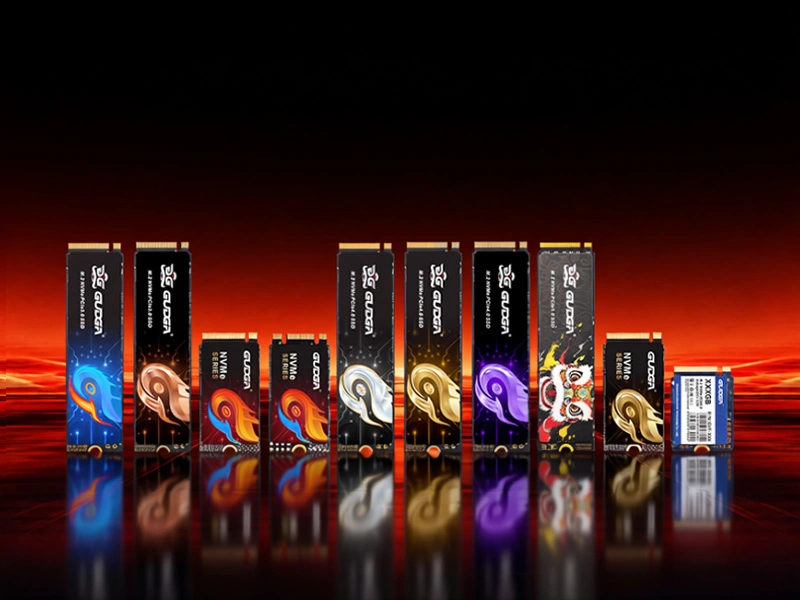
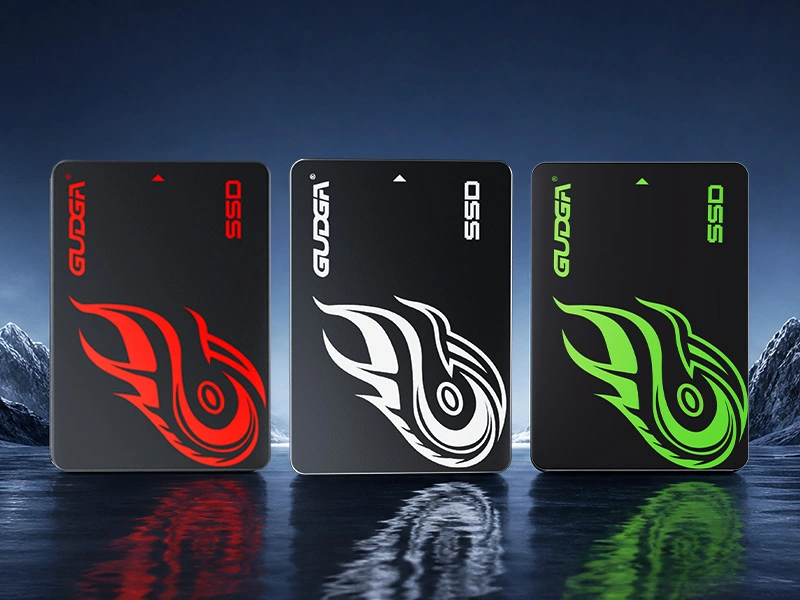
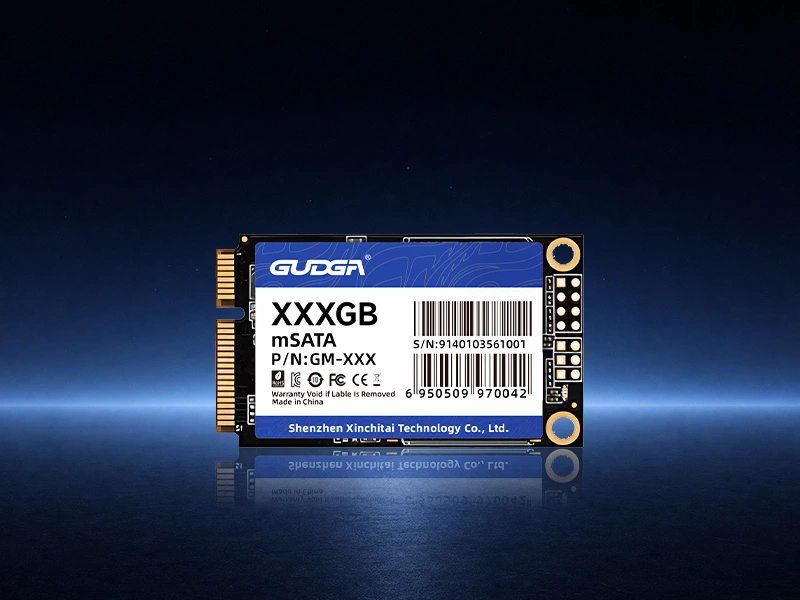
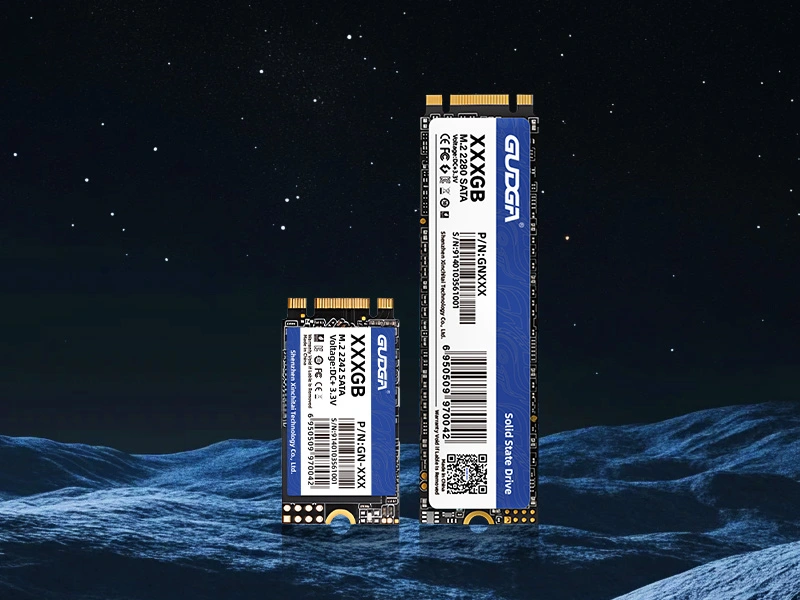
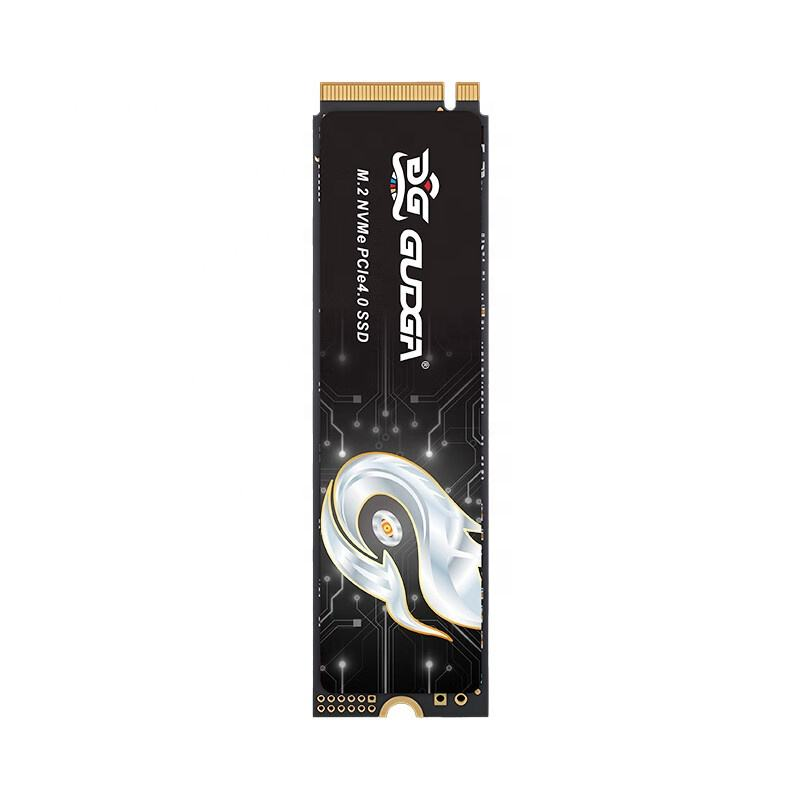
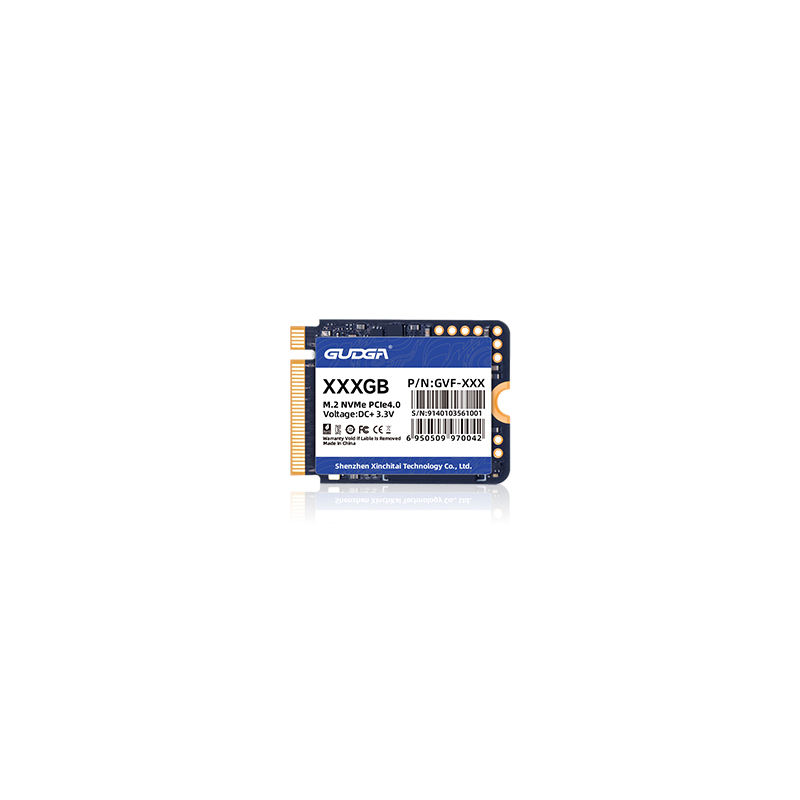
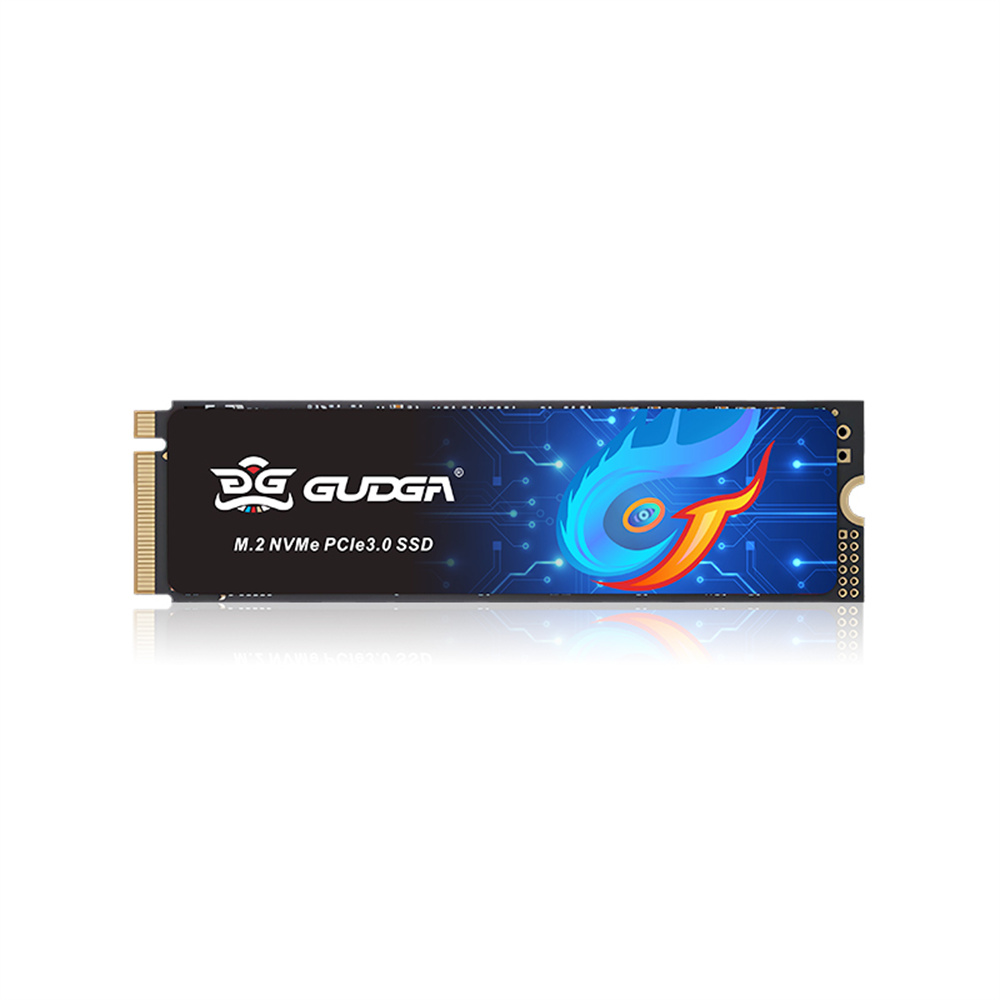
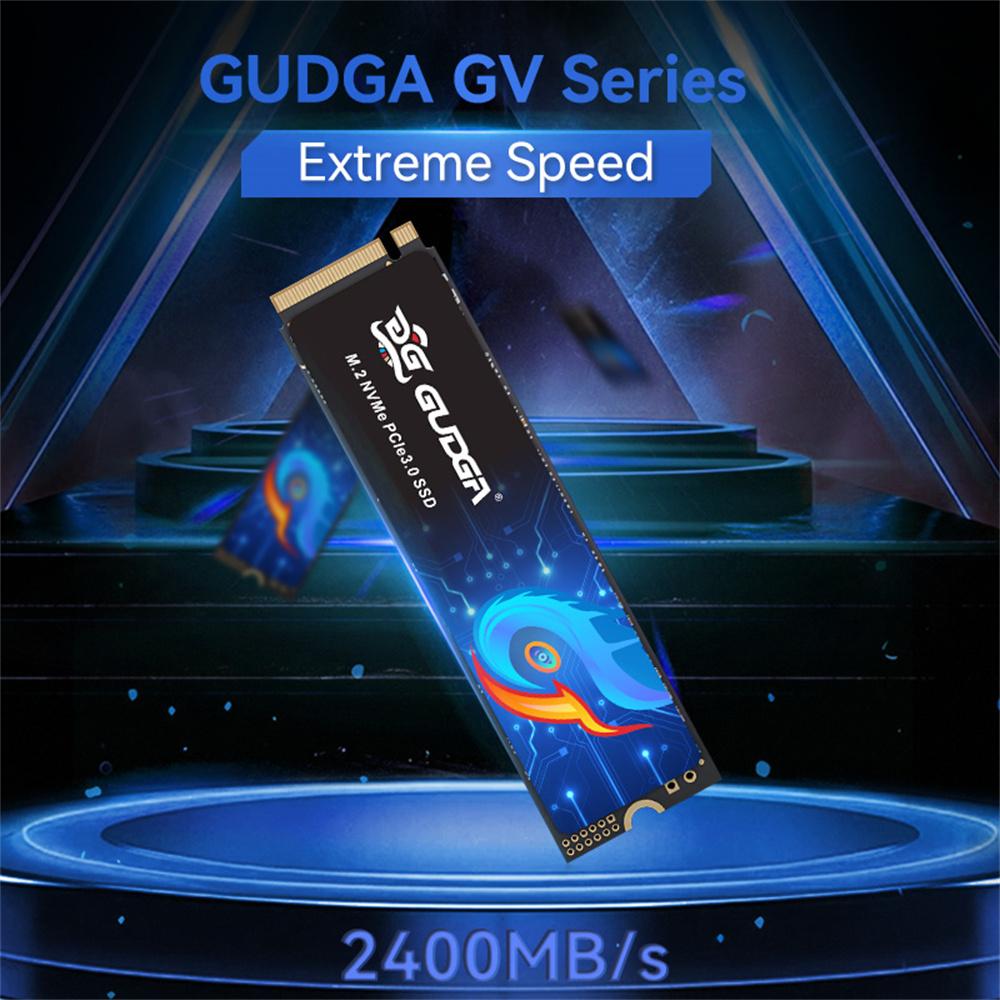
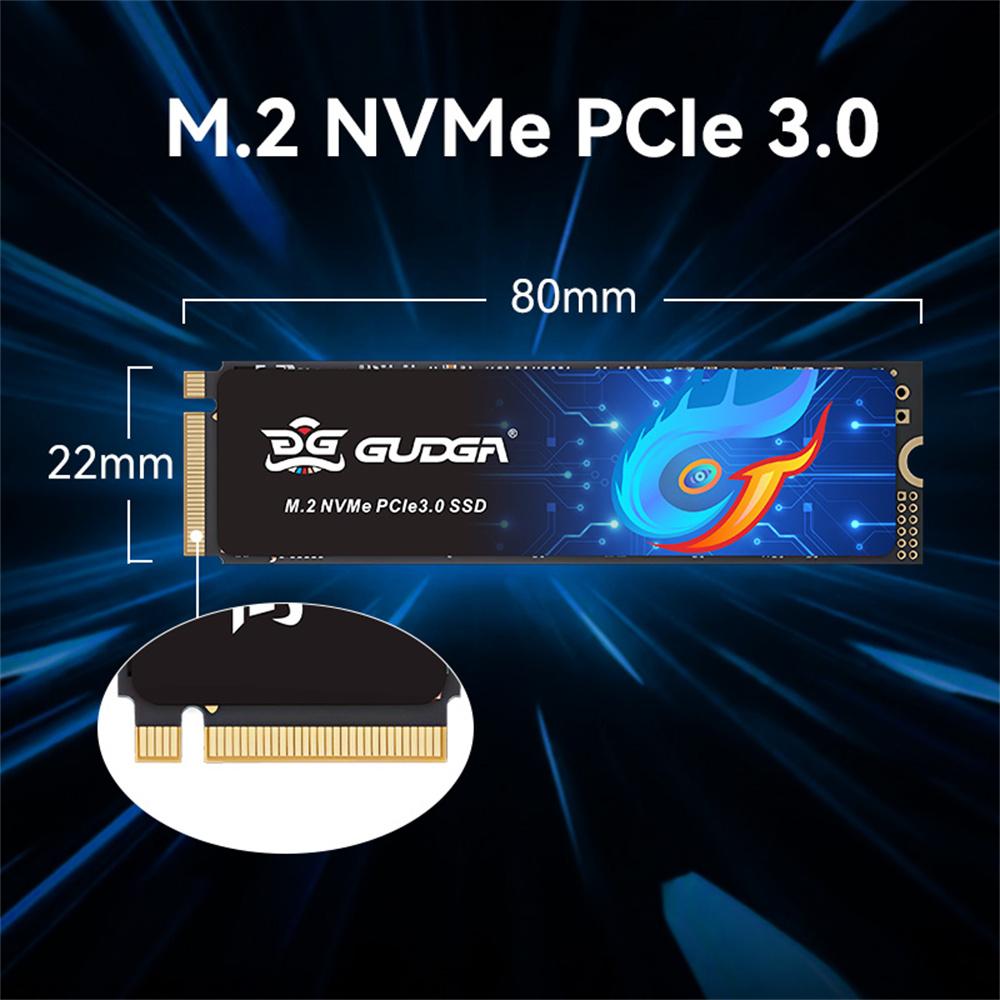
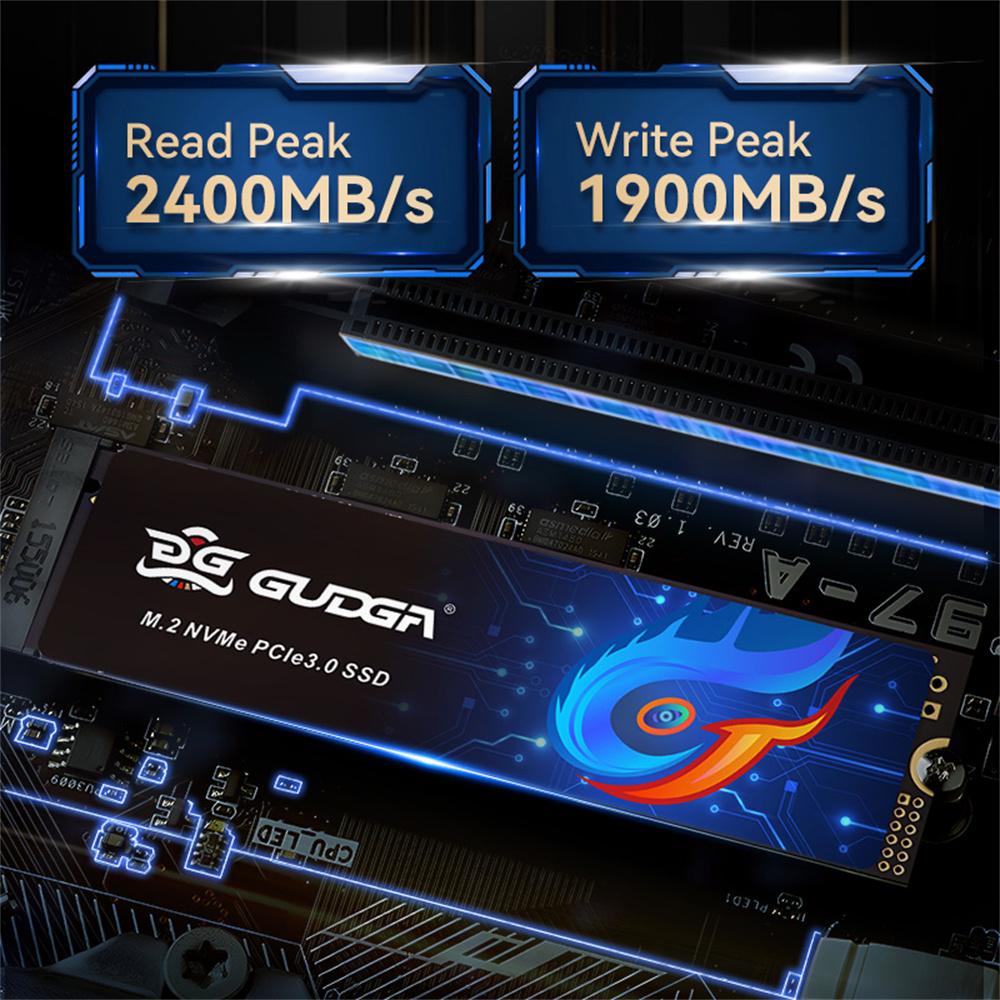
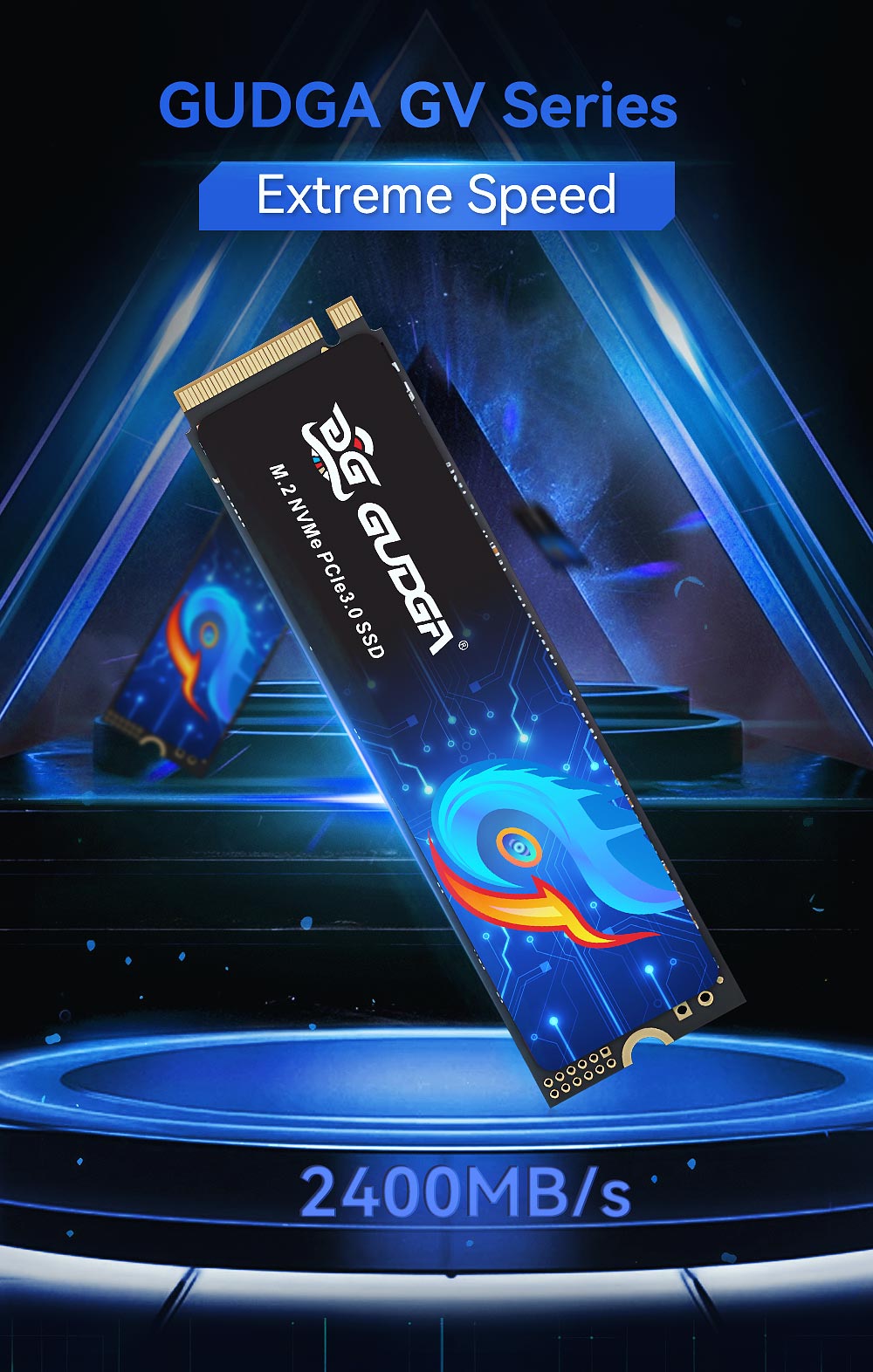
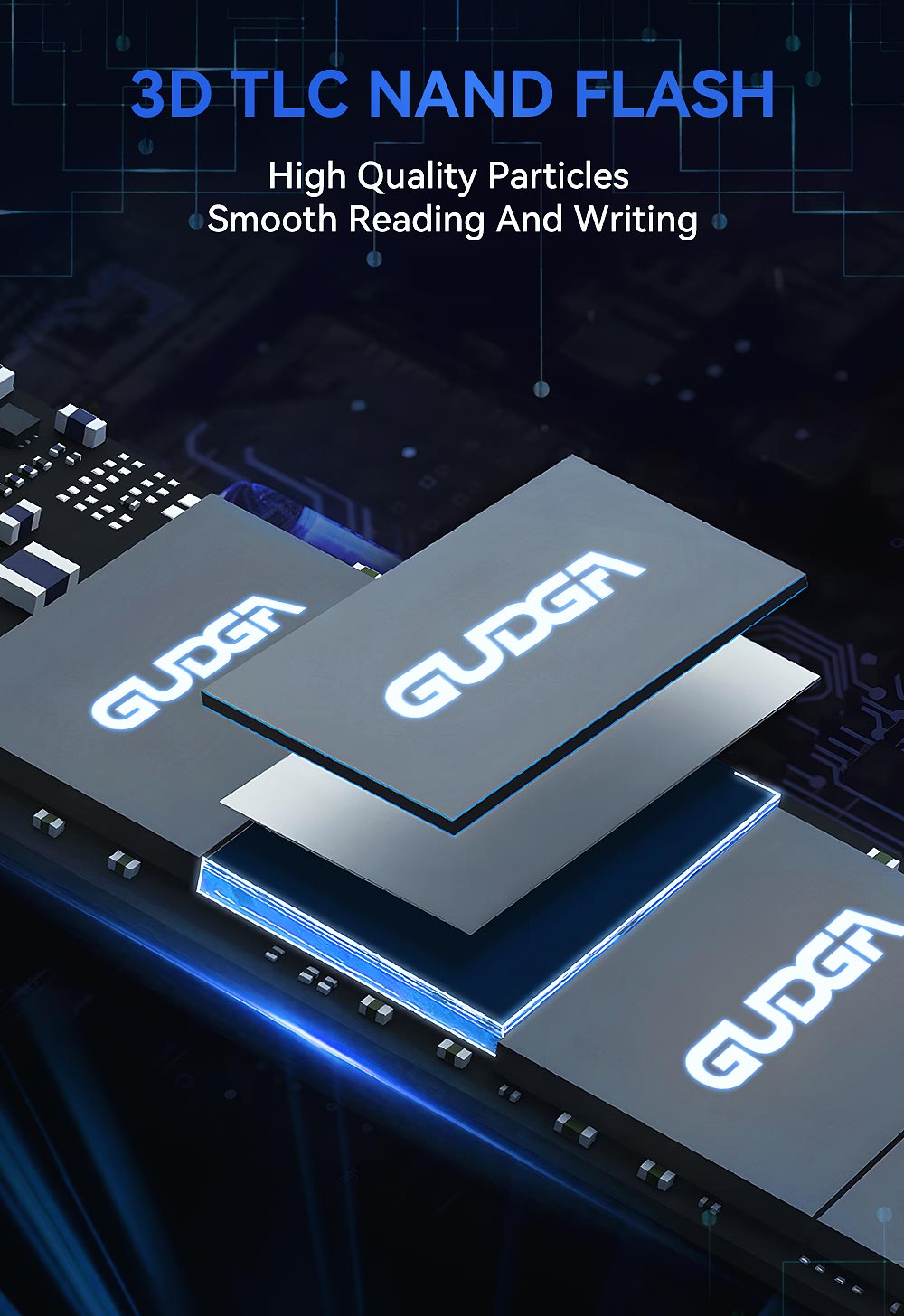
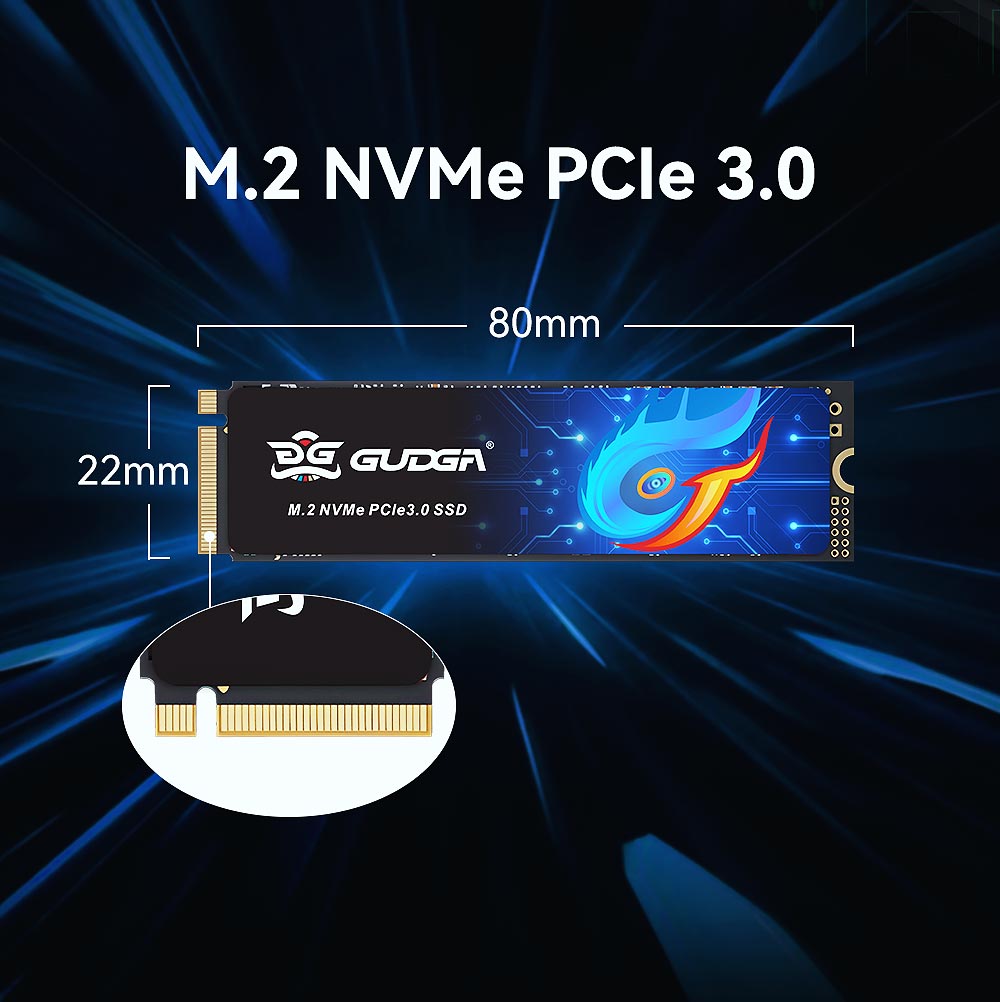
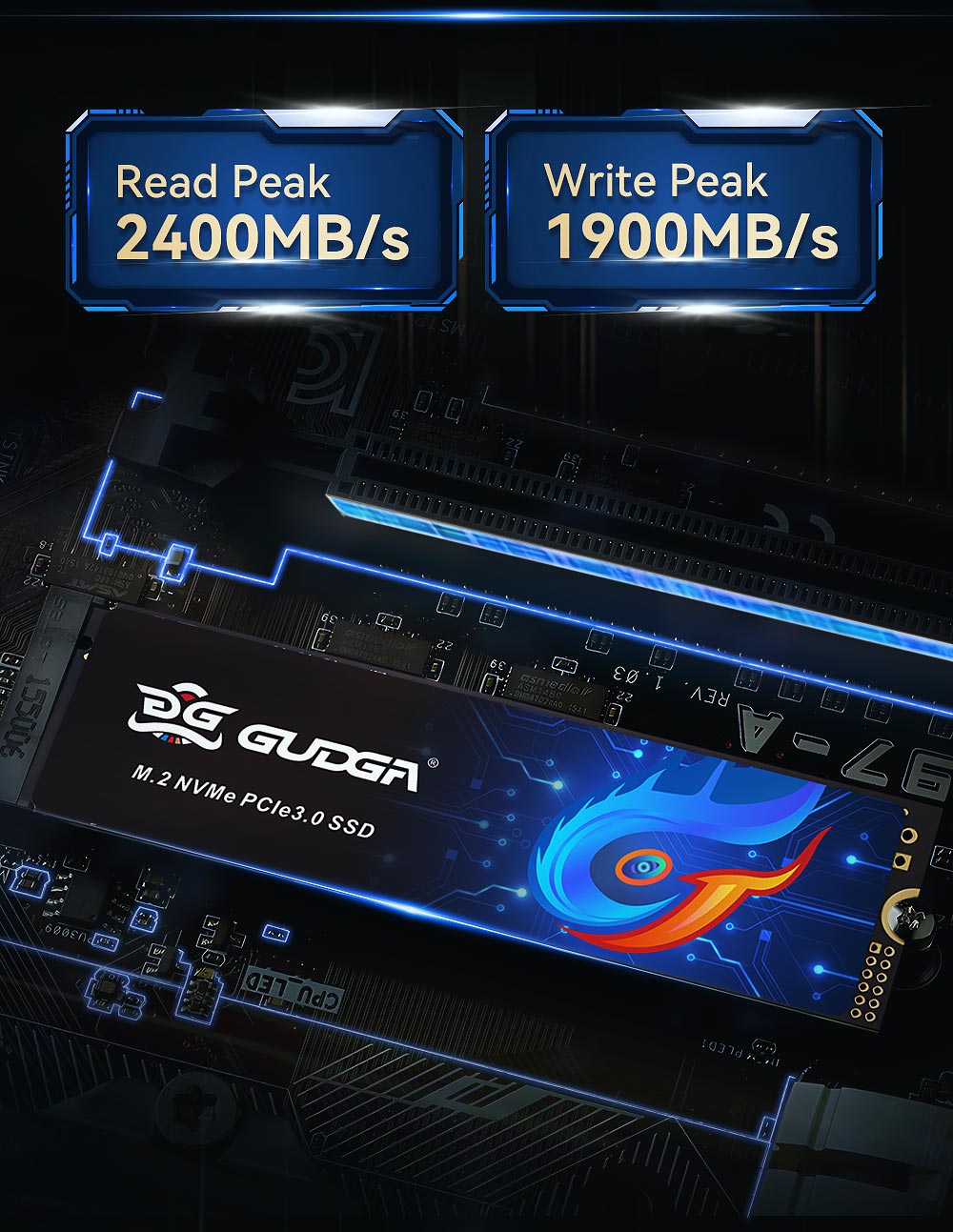
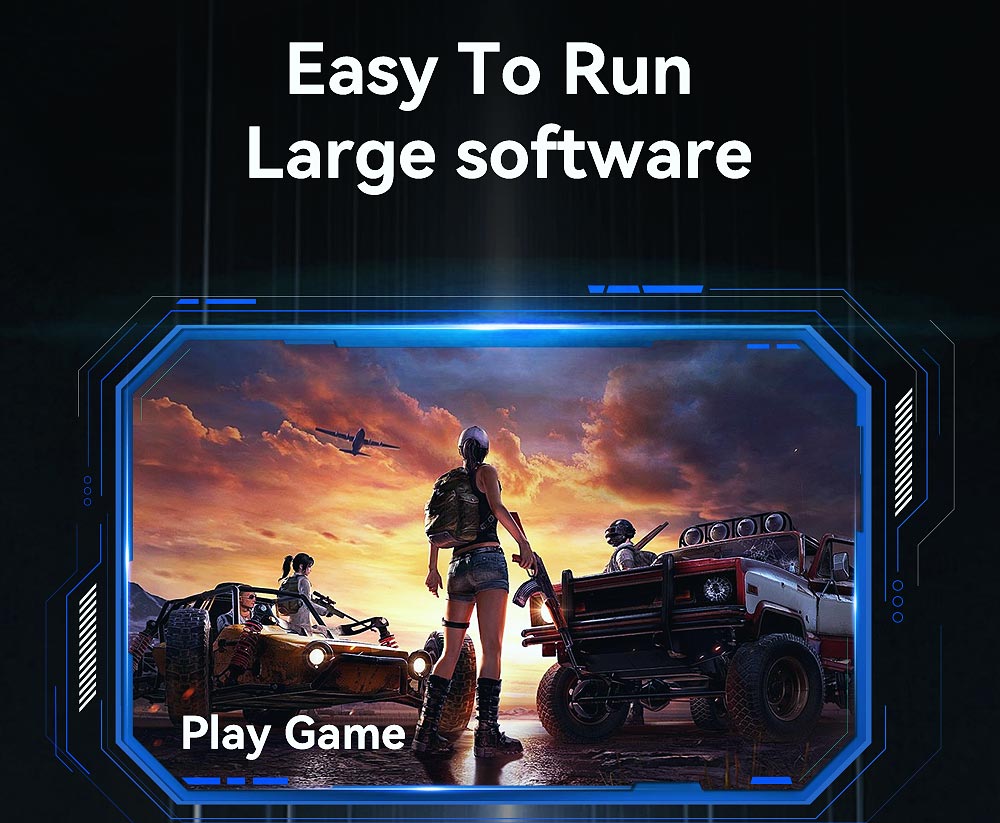
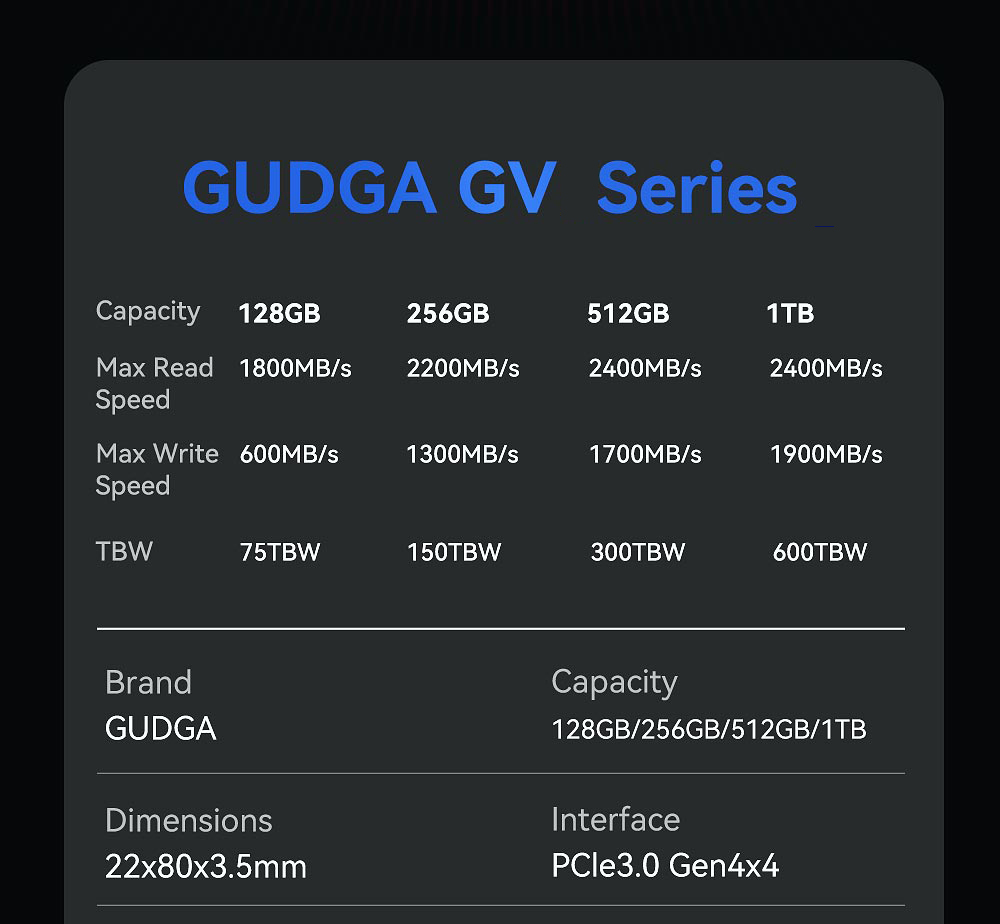
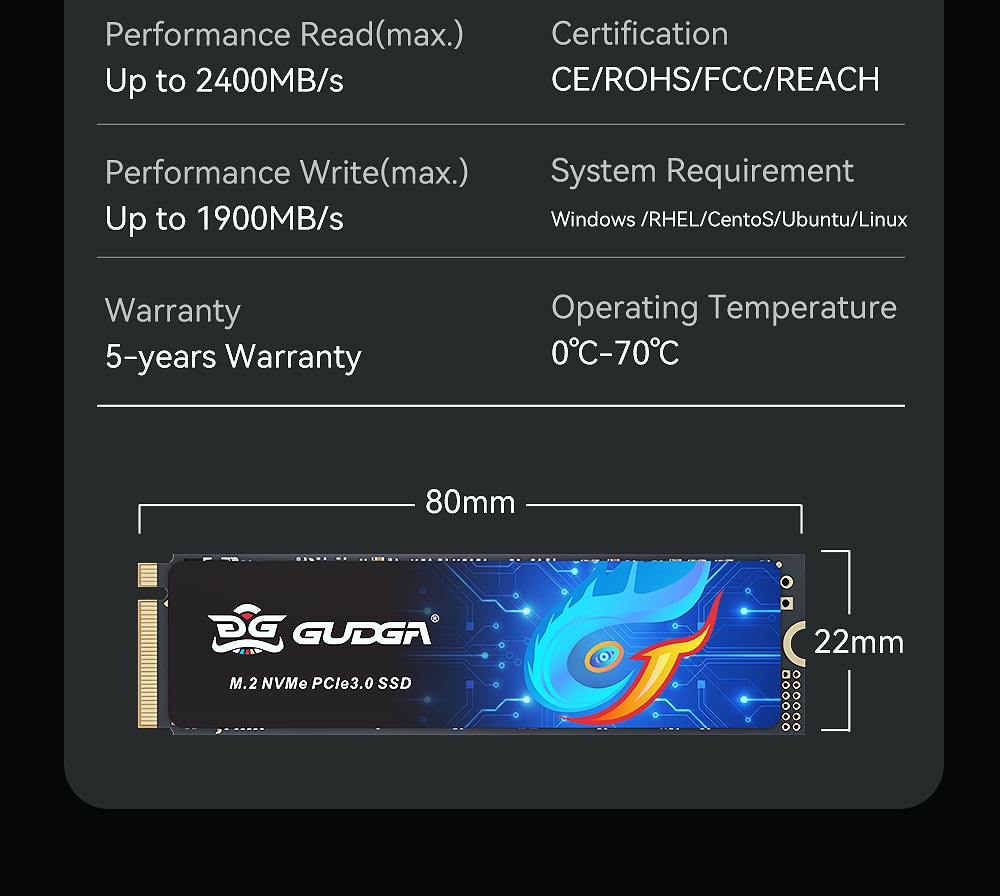
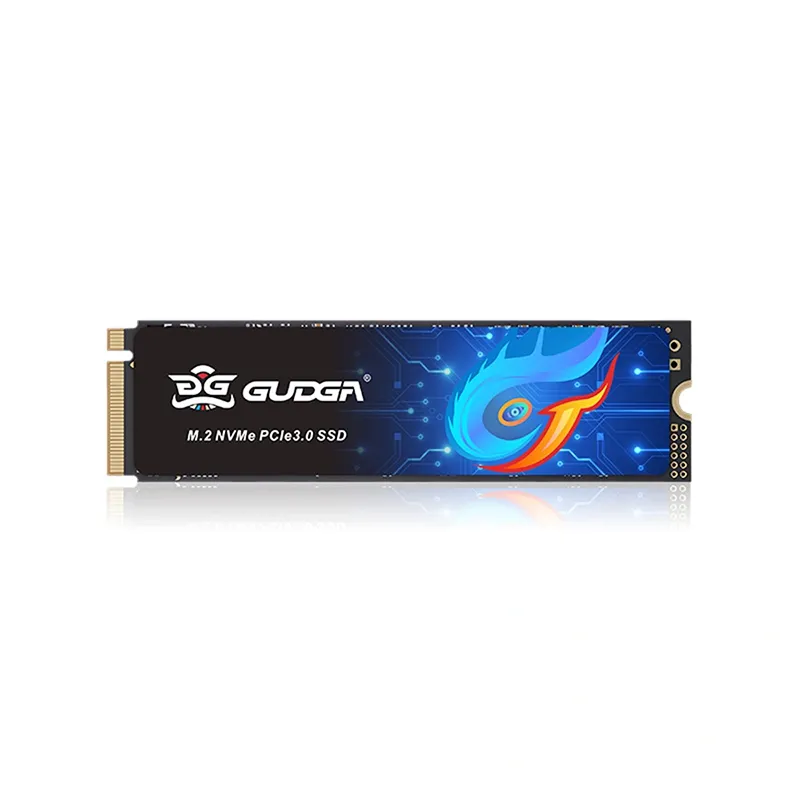
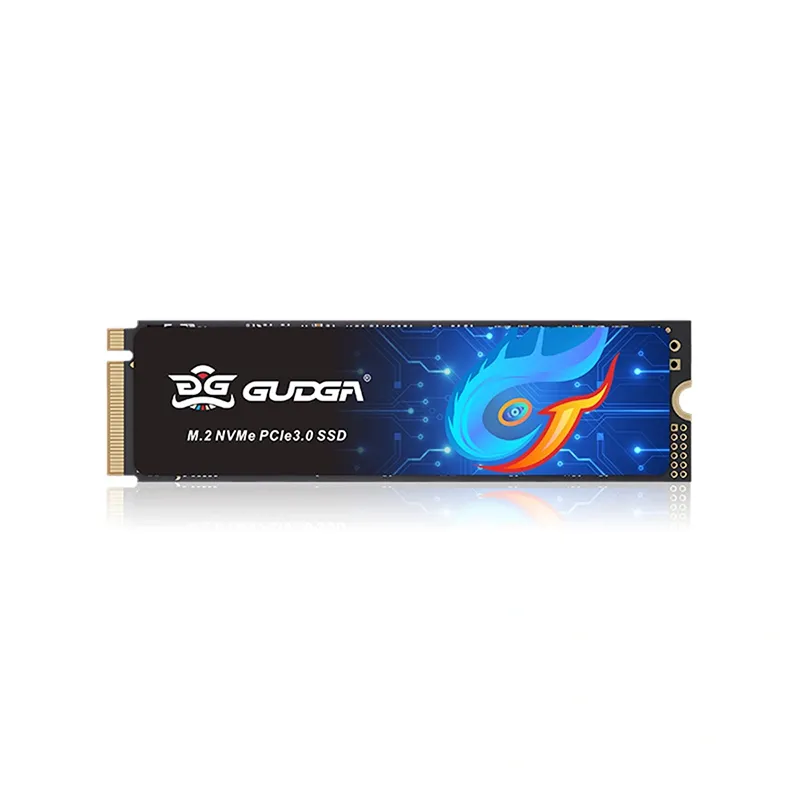
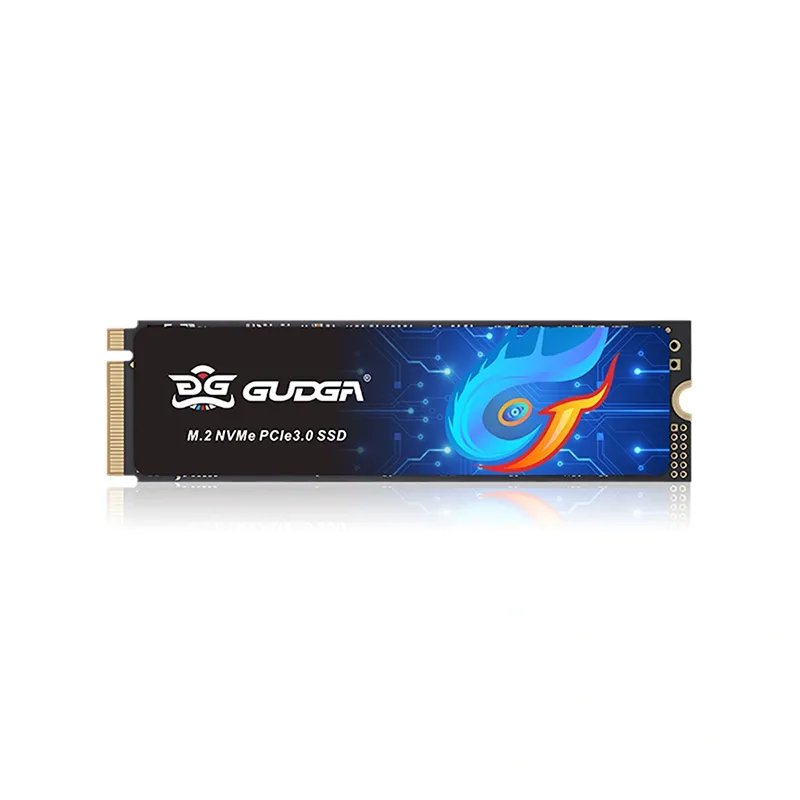
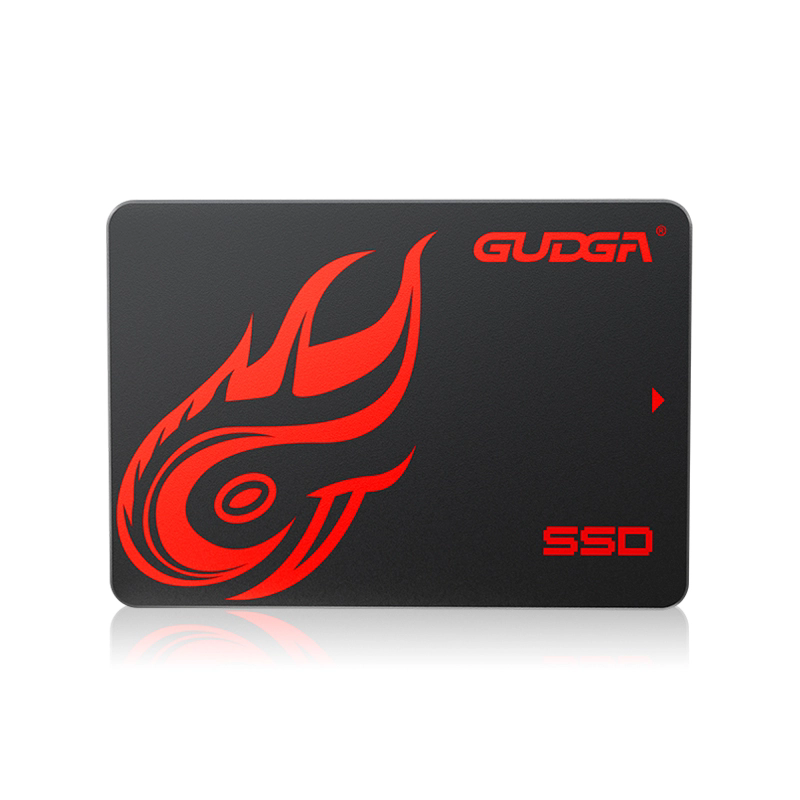
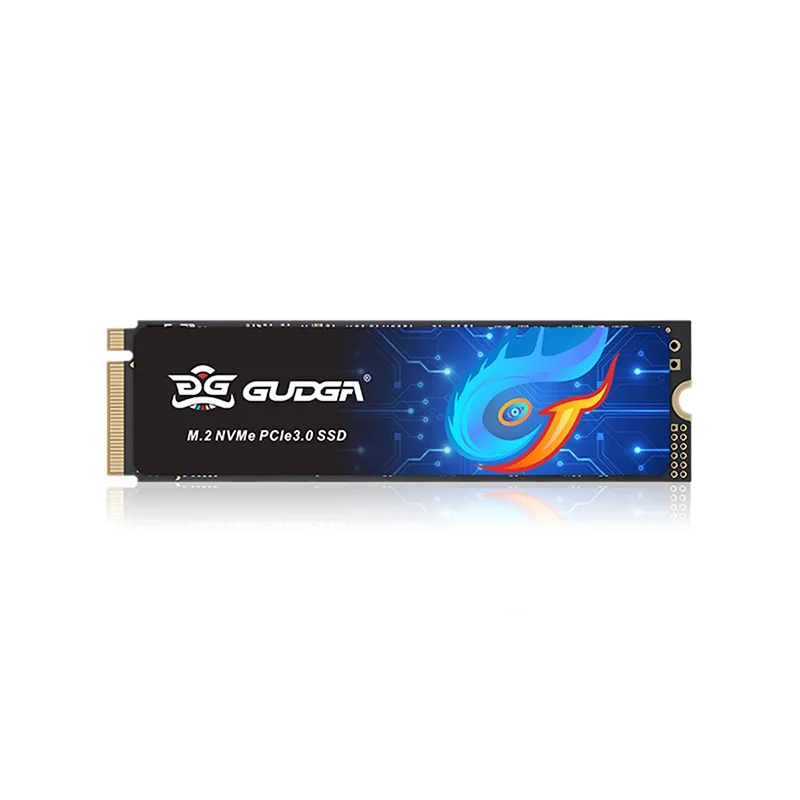
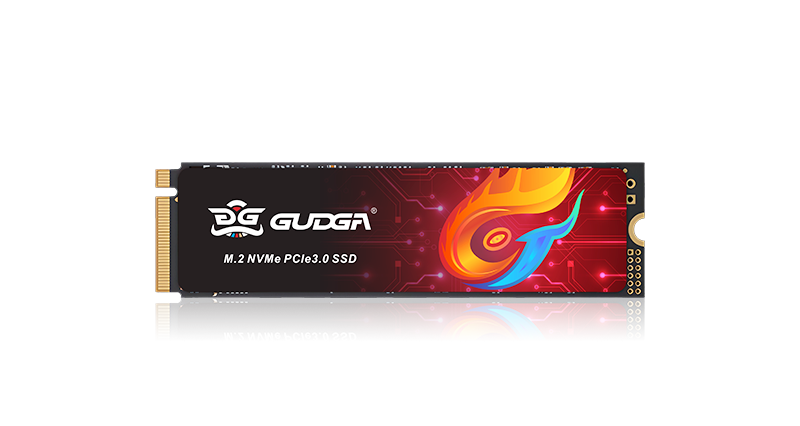
GUDGA is a reliable storage brand focusing on high-performance solid-state drive for desktops, laptops and mini PCs. Its Nvme 2280 PCIE3.0 Hard Disk Solid State Drive adopts M.2 2280 form factor, PCIe 3.0 x4 interface and NVMe 1.3 protocol, built with premium 3D TLC NAND flash. It delivers fast sequential read and write speeds, greatly cutting boot and software loading time. Equipped with graphene thermal pad for stable heat dissipation, this SSD offers multiple capacity options and broad OS compatibility. It is a cost-effective upgrade choice for gaming, daily office and multi-tasking work.
Brand : Gudga
Material : PCBA
Color : Black/green
Lead Time:4-15 Days
Certification :ISO/CE/RoHS/KC
This Nvme 2280 PCIE3.0 Hard Disk Solid State Drive features the standard M.2 2280 form factor and PCIe 3.0 x4 interface, supporting the NVMe protocol for efficient data transmission. Built with high-grade 3D TLC NAND flash memory, it delivers impressive sequential read and write speeds, drastically reducing system boot times and file loading latency. Integrated thermal padding maintains stable performance under heavy workloads. Available in multiple capacity options, it is a dependable storage upgrade for desktops, laptops, supporting office work, multitasking and light gaming.
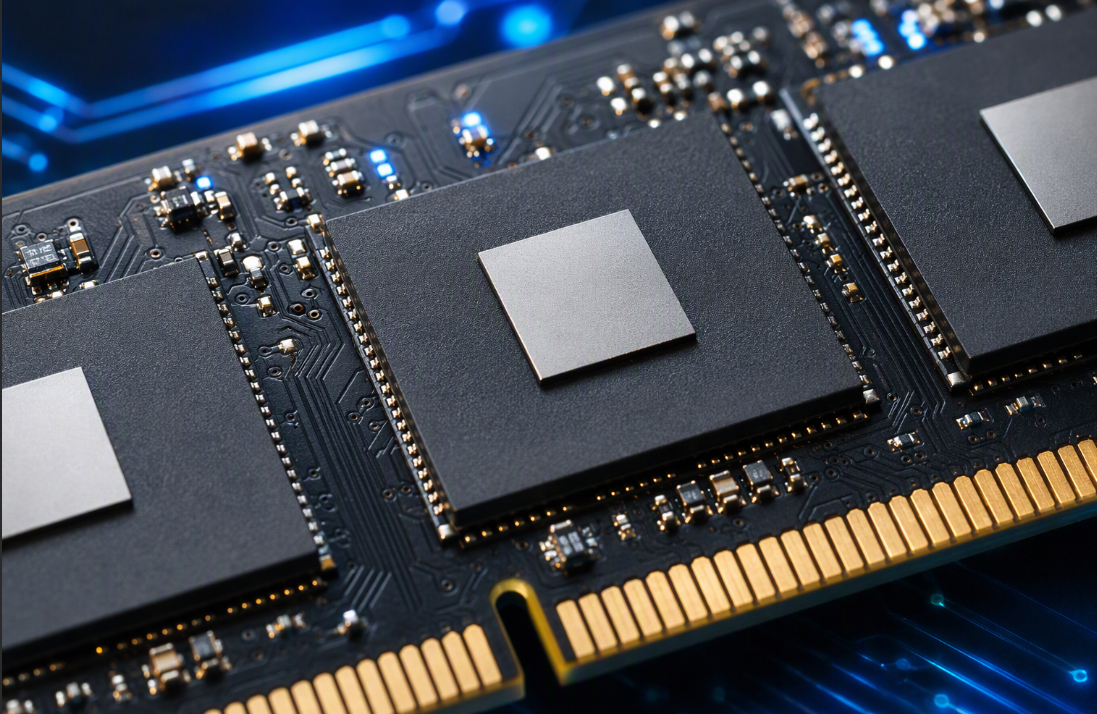
High-quality TLC flash, combined with industry- leading high-quality controller.
Feature
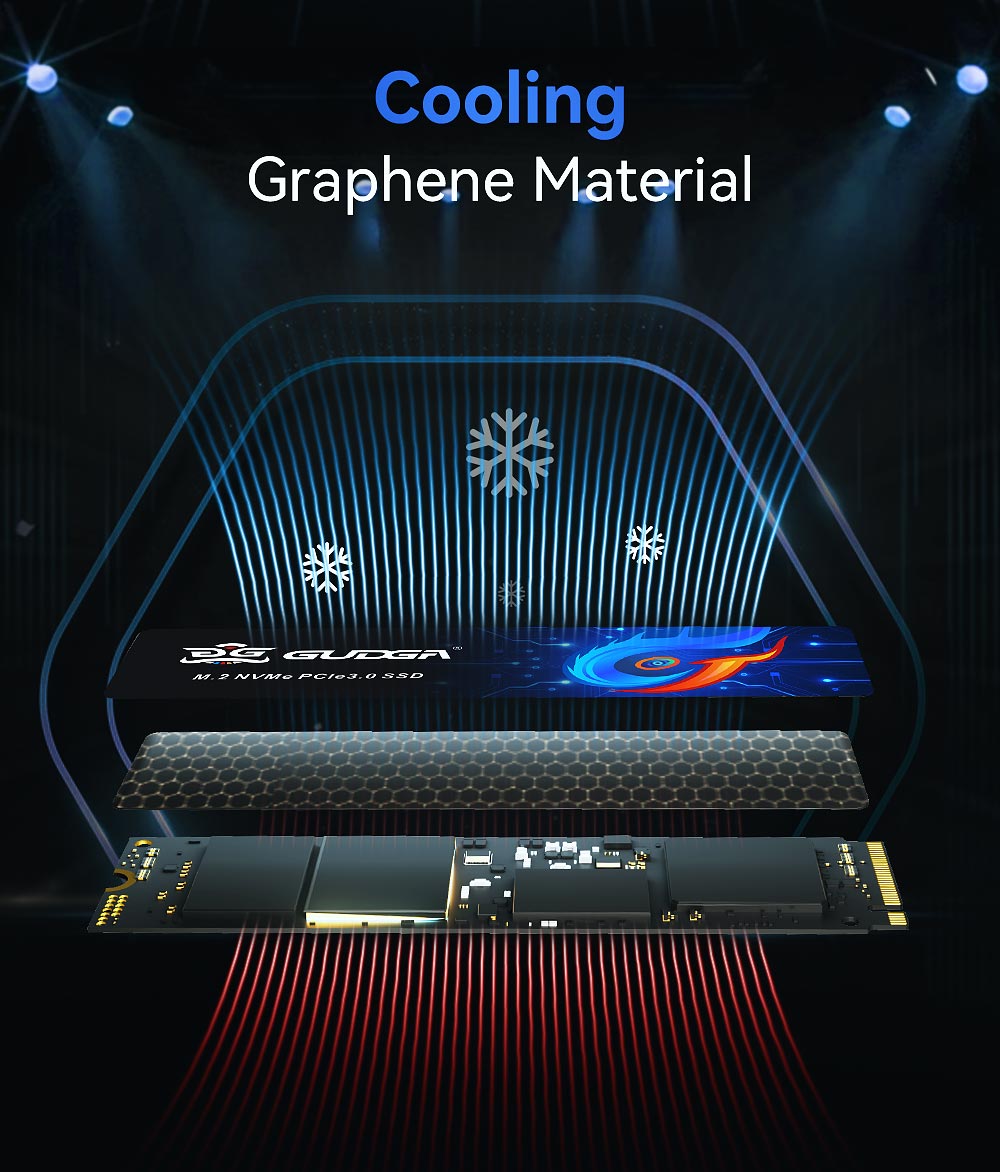
With heatsink sticker, solve the temperature problem
Warranty
5 years
Problem & Solutions
Customer Pain Points
Solutions
Slow boot & software lag
High-speed PCIe3.0 NVMe greatly reduces waiting time
Overheating leads to speed drop
Built-in graphene thermal pad ensures sustained performance
HDD fragile & easy data loss
No mechanical structure, anti-shock design protects data
Compatibility worries
Standard M.2 2280 NVMe spec, widely compatible with mainstream hardware
High upgrade cost
Cost-effective GUDGA SSD with reliable quality
Instructions & Cautions
Installation: Power off your device, insert Nvme 2280 PCIE3.0 Hard Disk Solid State Drive into the M.2 NVMe slot and secure with the fixing screw. Enter disk management after booting to initialize, partition and format the SSD before first use. Notes:
1.Confirm your motherboard/laptop supports M.2 NVMe PCIe3.0 interface.
2.Take anti-static measures during installation.
3.Do not cut power during formatting or firmware update.
4.Avoid physical impact or static damage to the circuit board.
FAQ
Q1: Why cannot my computer detect the SSD?
A: 1. Check if BIOS enables M.2 NVMe function; 2. Confirm the slot is PCIe NVMe instead of SATA M.2; 3. Initialize the unallocated disk in OS disk management.
Q2: The tested speed is lower than advertised.
A: Test speed is affected by CPU, motherboard channel, remaining disk space and test software. Ensure the SSD is installed on PCIe3.0 x4 slot.
Q3: Can Nvme 2280 PCIE3.0 Hard Disk Solid State Drive work on old laptops?
A: Only compatible with devices that support M.2 NVMe PCIe3.0. Please verify your device manual before purchase.
Q4: Is data recoverable if the SSD fails?
A: Back up important data regularly. Physical damage or chip failure may cause unrecoverable data loss.
Customer Reviews for GUDGA Nvme 2280 PCIE3.0 Hard Disk Solid State Drive
1.Mark W. I installed this GUDGA NVMe 2280 PCIe3.0 SSD in my 3-year-old desktop. System boot is extremely fast, and software loads instantly. The built-in graphene thermal pad keeps temperature steady even during long gaming sessions. Benchmark results match the official specs. Good packaging and competitive price. I will reorder for my other office PCs.
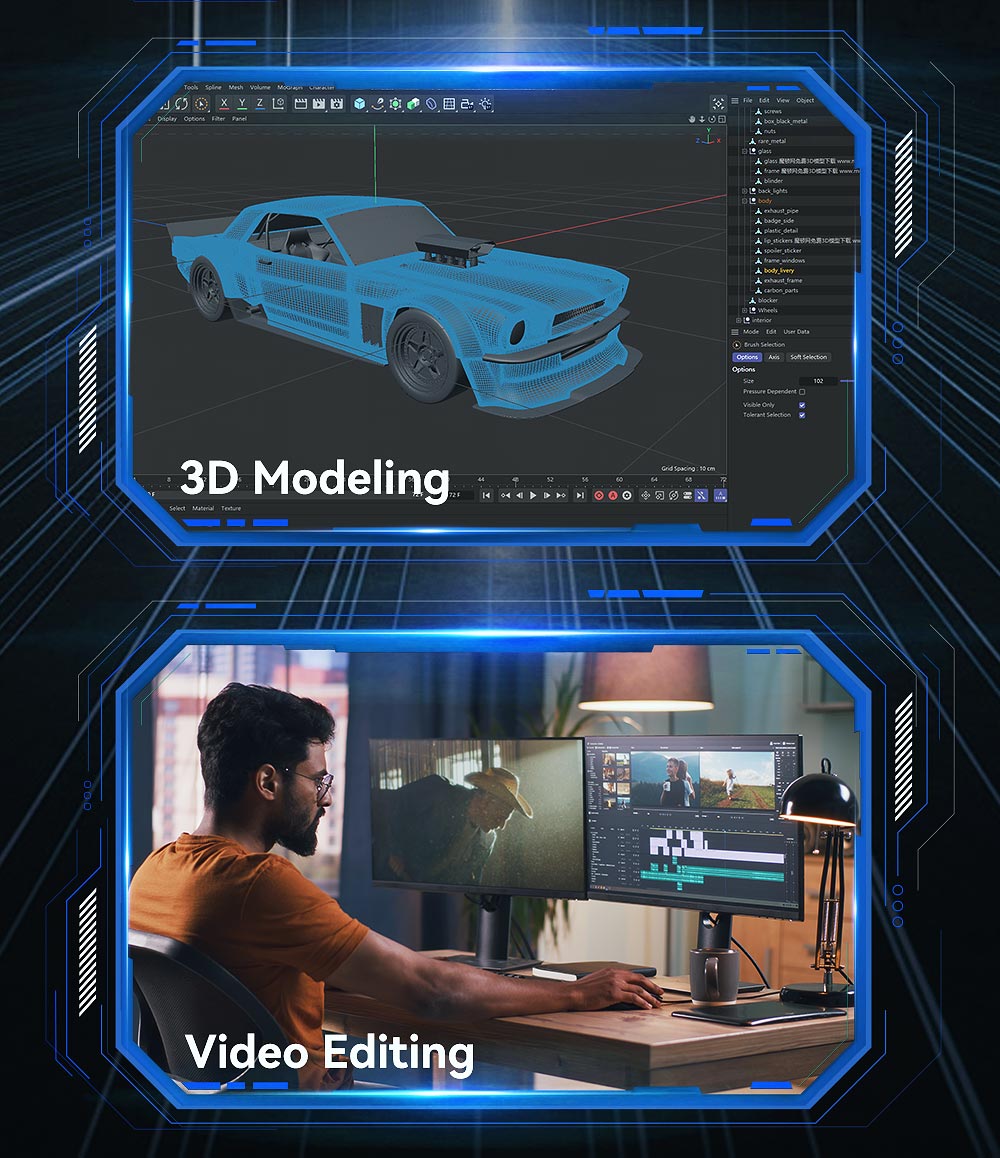
2.Sofia R. As a graphic designer, I use this SSD to store my photo and video files. Large file transfers are much faster than my old SATA SSD. No vibration or noise at all. Installation is simple. Customer support replied quickly when I had compatibility questions. Highly recommended for creative work.
3.Carlos M. I run a small local PC retail shop and bought bulk units of this GUDGA SSD. Quality is consistent across all drives. My customers are happy with the upgrade effect. It fits most laptops and mini PCs with M.2 NVMe PCIe3.0 slots. Great cost-performance ratio for system upgrade bundles.
4.Emma T. I upgraded my old laptop with this 1TB GUDGA Nvme 2280 PCIE3.0 Hard Disk Solid State Drive. It works perfectly with Windows 11. Power consumption is low. I have used it for over 4 months without crashes or blue screens. The CE, FCC and RoHS certifications make me feel confident about this product.
Hot Tags: Nvme 2280 PCIE3.0 Hard Disk Solid State Drive, Manufacturer, Supplier, Quality, Wholesale
Whether you need sample testing or bulk wholesale of M.2 NVME SSD, M.2 SATA SSD and Random Access Memory, you can submit demands here to obtain professional one-stop procurement solutions from GUDGA.
We use cookies to offer you a better browsing experience, analyze site traffic and personalize content. By using this site, you agree to our use of cookies.Privacy Policy