You have sales target finished amount requirement to the distributor?
Our brand is in a period of expansion, and the sales threshold for becoming our distributor is very low. Please contact us as soon as possible.
Will you will attend the fair to show your products?
Yes, we plan to participate in a series of well-known exhibitions in Hong Kong, Taiwan and overseas, such as Global Sources Hong Kong Show, electronica Munich, CES, Cologne Hardware Fair, Dubai Hardware Show, etc.
Which certificate do you have for your equipment?
CMA, CE, FCC, RoHS, etc
How can I to be your agent in my country?
Contact us right away, and we will provide you with the best solution with low threshold, good service and great convenience.
Do you have detailed and professional installation manual?
Yes, each product is equipped with an instruction manual in the package. You can also contact our customer service to get it.
If OEM is acceptable?
Yes, OEM is acceptable, with a minimum order quantity of 2, 000 PCS.
Do you provide sample? Free or charge?
Samples are available. However, to avoid malicious requests from some unscrupulous buyers, we have certain thresholds and procedures for free sample acquisition.
What is your term of payment?
Prices are unstable recently. In principle, we arrange delivery only after full payment is made within 2 days upon quotation. If you have cash flow difficulties, a partial deposit is acceptable. We stick to the principle of customer first.
What is your MOQ?
The minimum order quantity is 1 PCS.
Are you a trading company or a manufacturer?
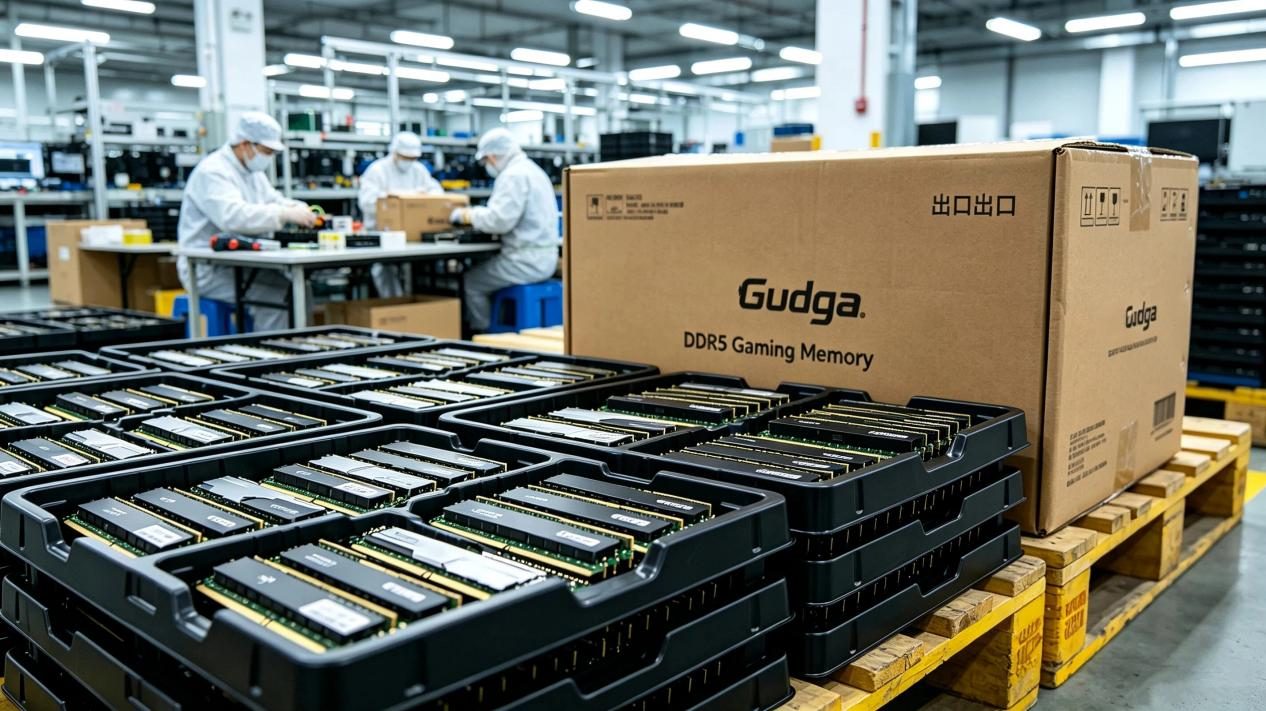
We are a trader with our own factory.
How long is your delivery time?
Goods will be arranged for delivery within 7 working days after full payment is received.
How can I check the memory interface of my computer?
windows+R, open the run window, enter cmd
Enter wmic, memorychip, find the number under speed status
133-266 is DDR
400-800 is DDR2
1066-160O is DDR3
How can I check how much memory my motherboard can support?
1. Use the shortcut key windows+R to open the Run window, enter cmd and click OK.
2. Enter wmic memphysical get maxcapacity and click Enter.
3. A string of numbers will appear in the pop-up result, and this number is the kilobyte of the maximum memory capacity.
4. Divide kilobytes by two 1024, and convert kilobytes into GB units to get the maximum memory capacity
How much RAM do I need?
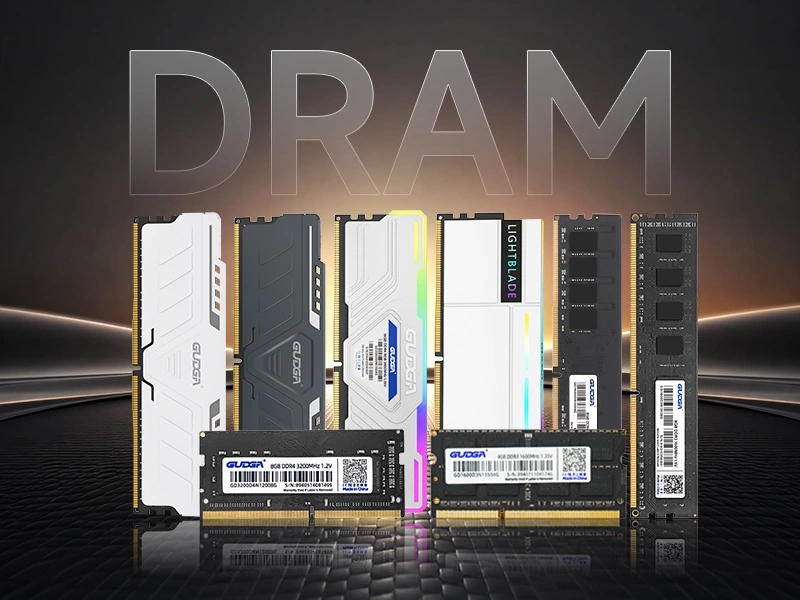
16GB for daily use & office work. 32GB for gaming, design and multitasking. 64GB+ for professional video editing and rendering.
Is 8GB RAM enough?
Only suitable for basic tasks. For smooth gaming, streaming and multitasking, we recommend at least 16GB RAM.
DDR4 vs DDR5: Which is better?
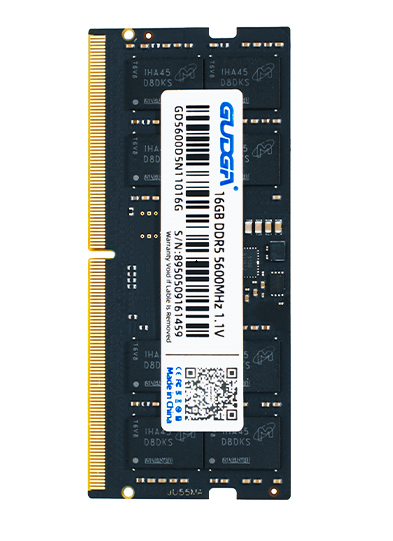
DDR4 offers great value and wide compatibility. DDR5 provides higher speed and better performance for latest platforms.
Can I mix different RAM brands or speeds?
Mixing is not recommended as it may cause system instability. For best performance, use identical kits in dual-channel.
How to upgrade RAM on my PC/laptop?
Confirm your DDR version and max supported capacity first. Power off your device, install RAM properly, then restar
How to choose high-quality RAM?
Match correct DDR generation, use dual-channel, choose proper capacity, branded RAM with original chips and good heatsink.
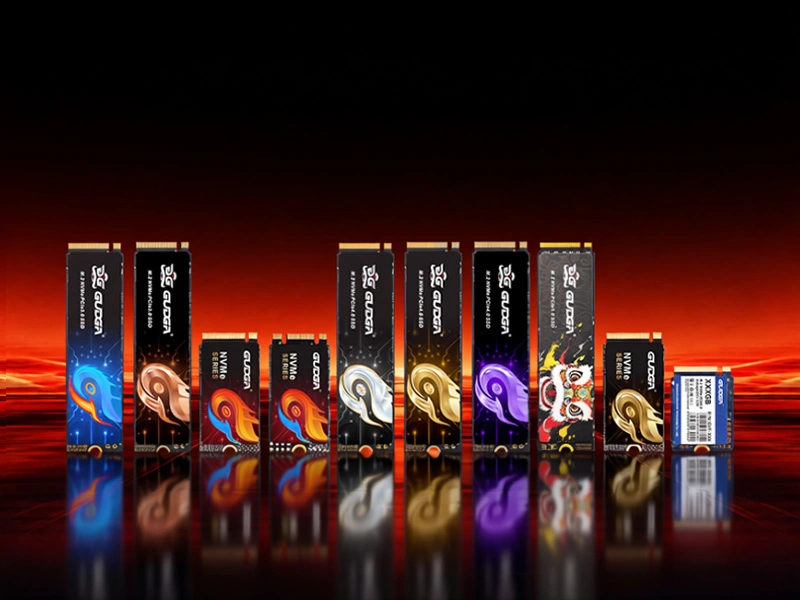
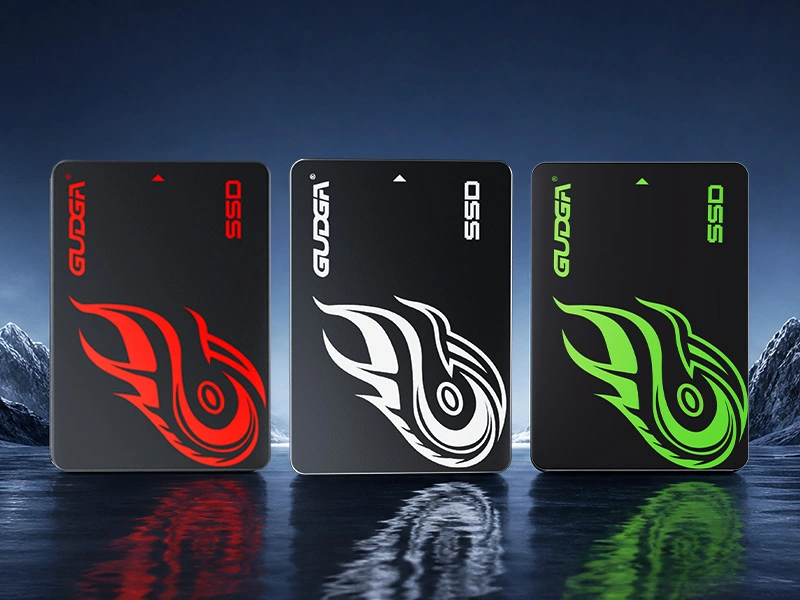
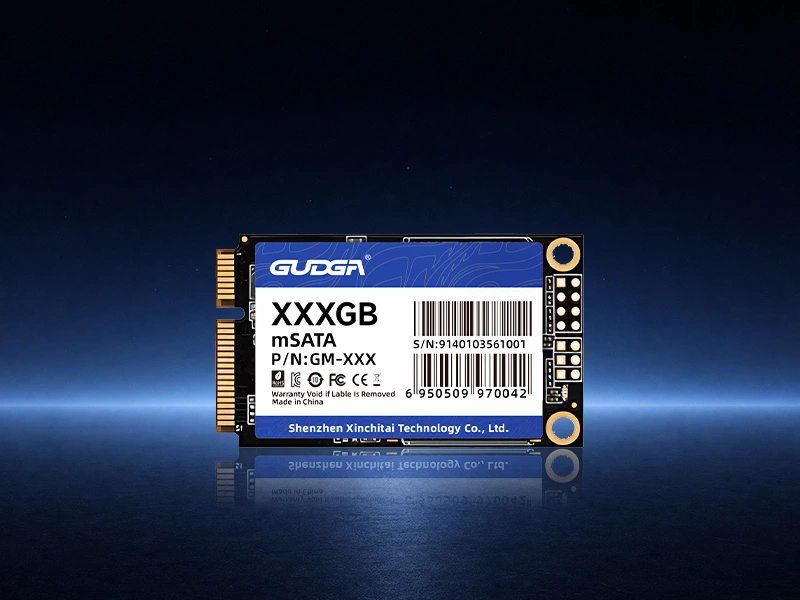
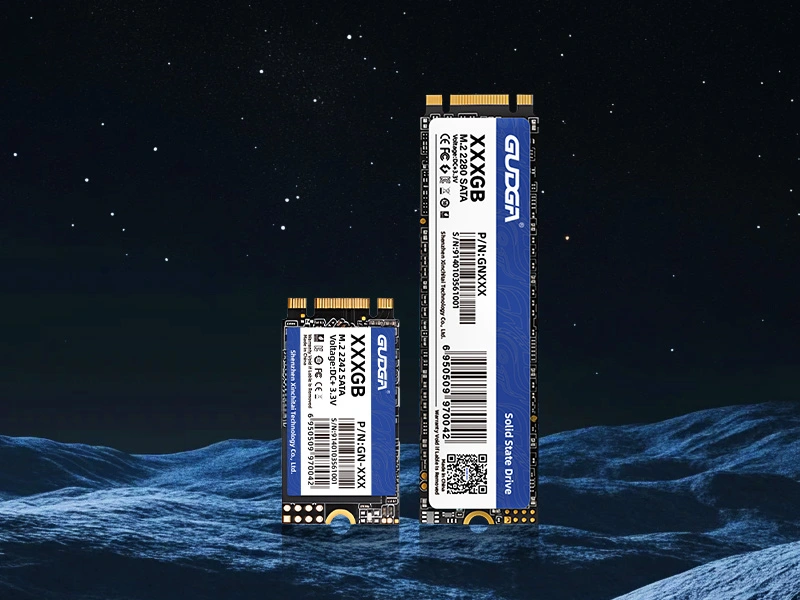
What is an internal SSD?
Internal SSD is a high-speed storage device installed inside PC/laptop, faster and more stable than HDD.
How to choose SSD capacity?
256GB for system only; 512GB for daily use; 1TB for games & files; 2TB+ for heavy data & video editing.
What’s the difference between SSD and HDD?
SSD is faster, quieter, shockproof, low power. HDD is cheaper for large capacity.
How to install an internal SSD?
Open case/laptop, connect SATA/NVMe to motherboard, fix SSD, set in BIOS, then install system.
What is NVMe SSD? Is it better than SATA SSD?
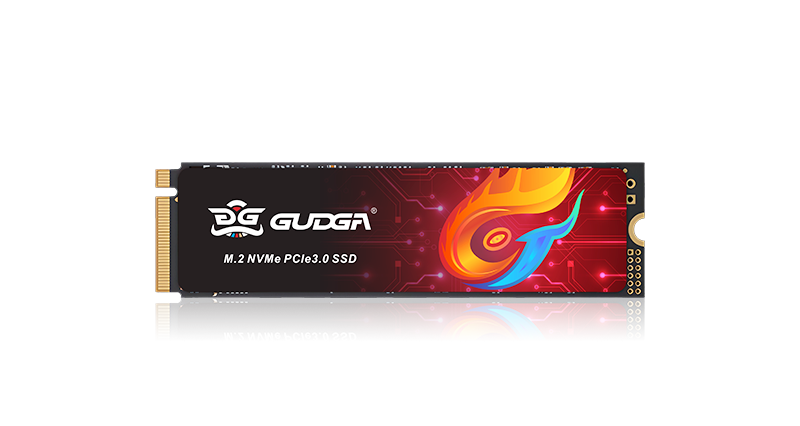
NVMe uses PCIe, much faster than SATA. SATA is cheaper and compatible with old devices.
How to check if my PC supports NVMe SSD?
Check motherboard specs for M.2 slot & PCIe support. Old laptops/PCs may only support SATA.
How long do SSDs last?
Normal daily use can last 5–10 years. TBW and reliable brand ensure long service life.
Is 512GB SSD enough for gaming?
Basic games ok. For multiple big games & systems, 1TB or larger is recommended.
Can I clone my system to a new SSD?
Yes, use cloning software to copy OS & files directly, no need to reinstall system.
How to choose a reliable internal SSD
Choose branded SSD with original particles, high read/write speed, good TBW and official warranty.