Santa Clara, Calif., Aug. 2, 2026 — The 20th Future of Memory and Storage Summit (FMS 2026) officially unveils its full conference agenda, with the core theme defining memory infrastructure as the indispensable backbone powering global generative AI development.
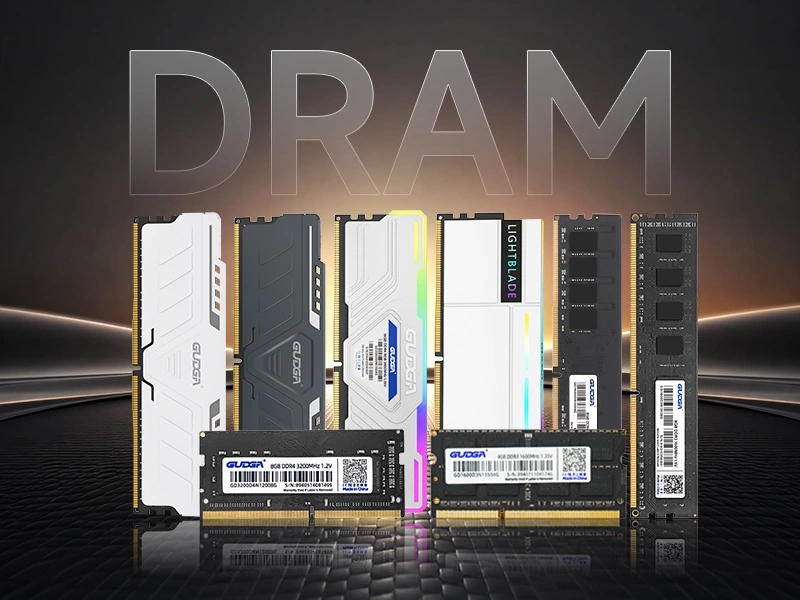
Recently, the global storage market has exhibited a significant structural divergence. Entering July 2026, consumer-grade SSD prices generally stabilized, with minimal fluctuations in end-market pricing and a relatively balanced supply and demand. Meanwhile, DDR5 memory prices continued their upward trend throughout the year, with monthly increases widening and year-on-year growth significantly increasing, becoming the biggest price variable in the storage industry. Industry analysts point out that the restructuring of production capacity driven by AI computing power and the mismatch between supply and demand are the core factors driving this polarization in the storage market. The industry has officially moved beyond the homogeneous cycle of widespread price increases and decreases, entering a new stage of structural divergence.
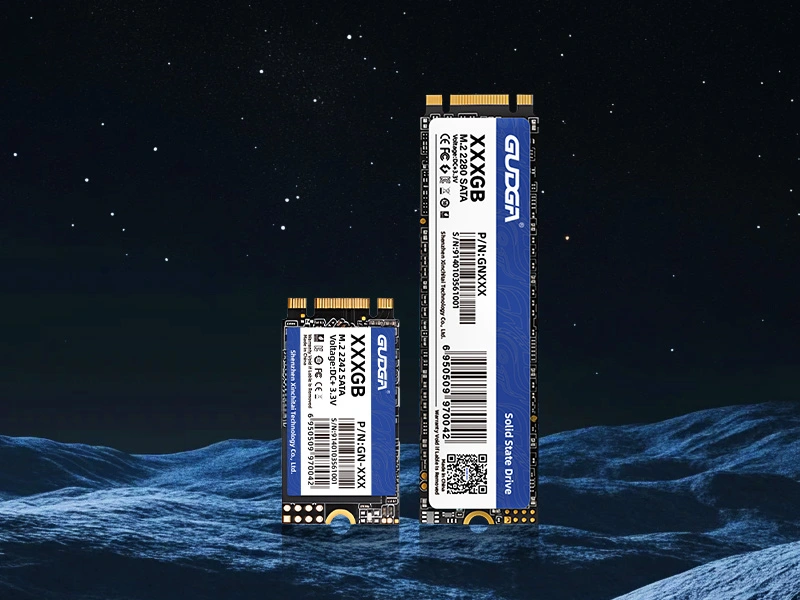
Modern computers demand fast, stable, and efficient storage solutions. Whether you are upgrading an aging laptop, building a compact workstation, or improving system responsiveness, an M.2 SATA SSD can provide a significant boost in performance compared to traditional hard drives. However, many buyers struggle to understand compatibility requirements, capacity options, performance specifications, and long-term reliability.
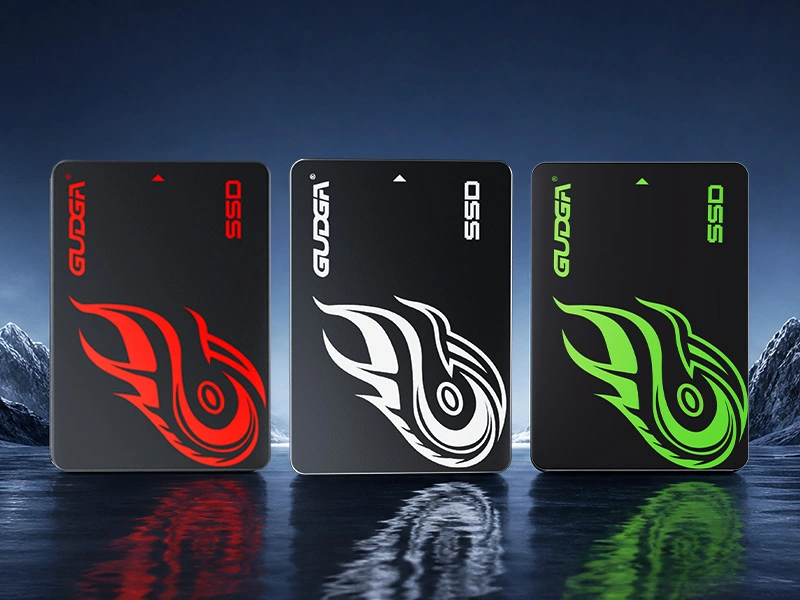
As data-intensive applications become increasingly common, traditional hard disk drives often struggle to keep pace with modern performance demands. 2.5 SATA SSDs have become one of the most popular storage solutions for laptops, desktops, industrial computers, surveillance systems, and embedded devices due to their excellent balance of speed, reliability, compatibility, and affordability.
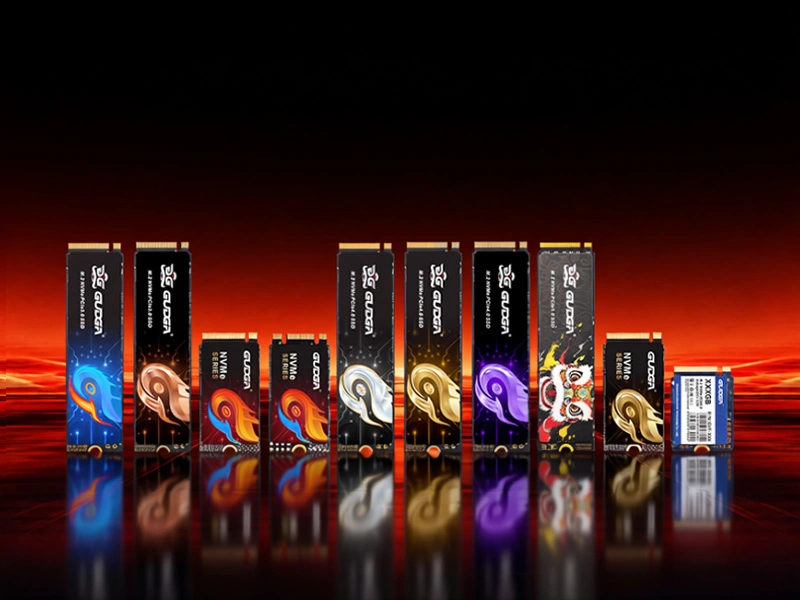
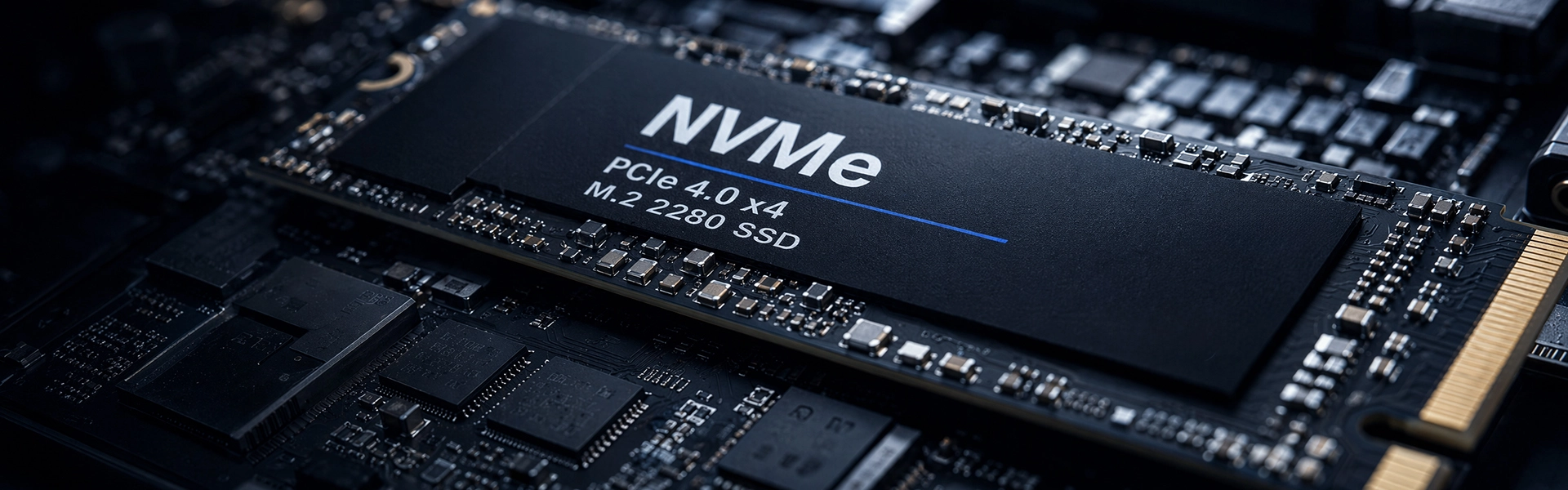
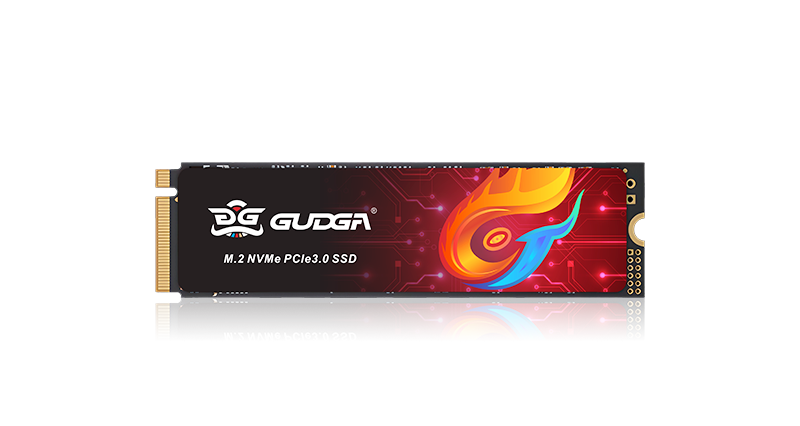
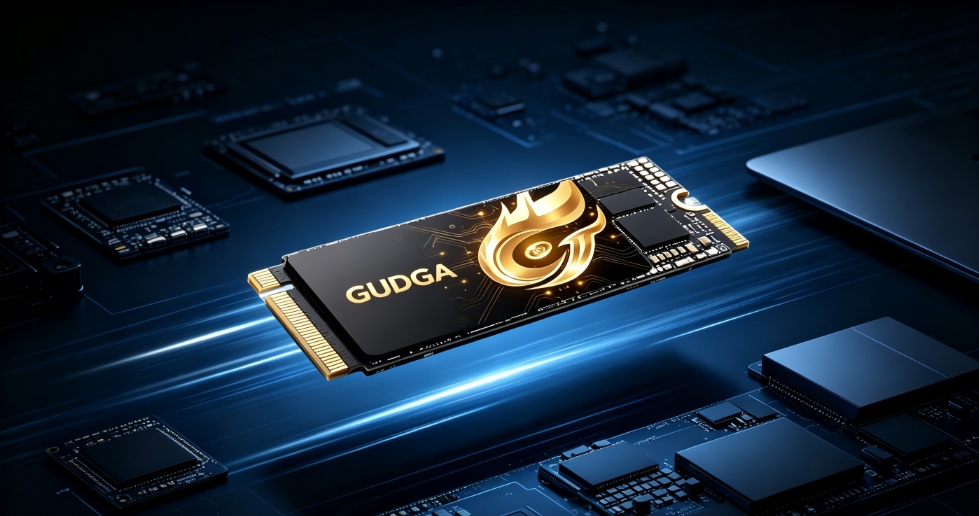
Modern computers demand faster boot times, seamless multitasking, rapid file transfers, and stable performance for gaming, content creation, and enterprise workloads. An M.2 NVME SSD delivers exceptional speed and efficiency compared to traditional SATA SSDs and HDDs. This article explains how M.2 NVME SSD technology works, why it matters, how to choose the right drive, and what benefits users can expect in real-world applications.
We use cookies to offer you a better browsing experience, analyze site traffic and personalize content. By using this site, you agree to our use of cookies.Privacy Policy