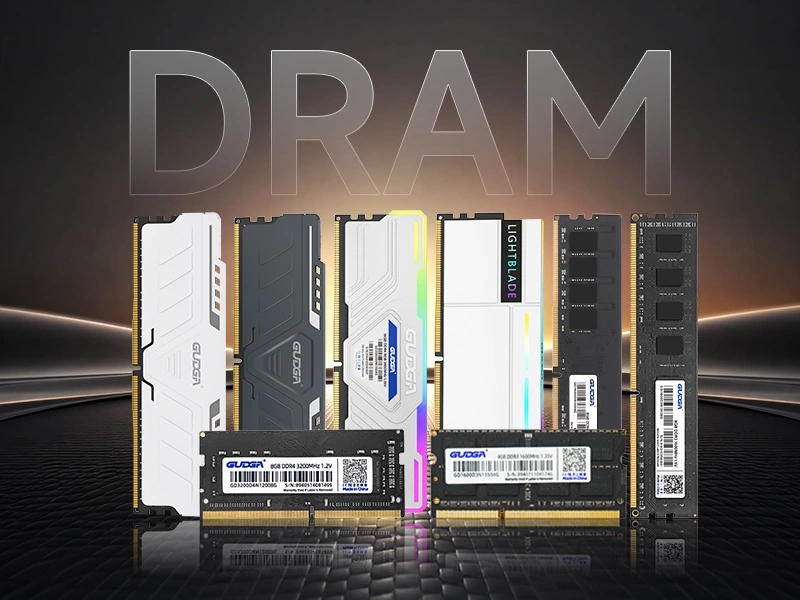
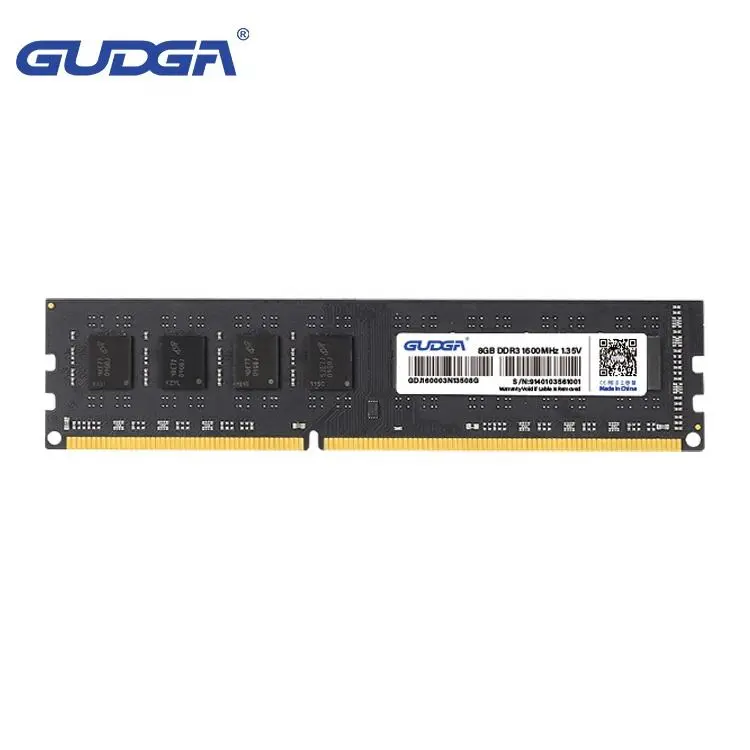
DDR3 Laptop RAM remains a practical memory upgrade option for many older laptops that require improved responsiveness, better multitasking ability, and more stable system performance. Although newer memory technologies have become popular, DDR3 memory modules continue to support millions of laptops used for office work, education, industrial applications, and daily computing. This article explains how DDR3 Laptop RAM works, why it is still valuable, how to choose the right module, and how GUDGA provides reliable memory solutions for users who need cost-effective upgrades.
Computer performance depends on several hardware components working together, and memory plays one of the most important roles in determining how smoothly a laptop operates. DDR3 Laptop RAM is a type of dynamic random-access memory designed specifically for portable computers. It temporarily stores data that the processor needs for running applications, managing operating system processes, and handling multiple tasks.
Unlike storage devices such as hard drives or SSDs, RAM provides extremely fast access to frequently used information. When a laptop has insufficient memory capacity, the system must rely more heavily on storage-based virtual memory, which significantly reduces operating speed. Installing suitable DDR3 Laptop RAM can reduce system delays, improve application loading efficiency, and create a smoother user experience.
DDR3 technology was widely adopted because it offered a strong balance between speed, power consumption, and reliability. Many laptops manufactured during the DDR3 generation are still functional today, making compatible memory upgrades an economical way to improve their usability without replacing the entire device.
Many users believe that replacing an older laptop is the only way to achieve better performance. However, memory limitations are often one of the biggest reasons an older computer feels slow. Upgrading DDR3 Laptop RAM can provide noticeable improvements while keeping costs under control.
For students, office workers, businesses, and industrial users, replacing an entire laptop may not always be necessary. A properly selected DDR3 memory module can extend the useful life of existing equipment and improve productivity.
| Upgrade Option | Cost Efficiency | Performance Improvement | Suitable Users |
|---|---|---|---|
| Replace Entire Laptop | Higher investment | Major hardware improvement | Users needing completely new systems |
| Upgrade DDR3 Laptop RAM | Affordable solution | Improves multitasking and responsiveness | Users with compatible older laptops |
| Only Upgrade Software | Low cost | Limited improvement | Basic optimization needs |
DDR3 Laptop RAM is especially useful for users who experience problems such as slow application switching, browser lag, delayed response when opening files, or reduced performance when multiple programs are running simultaneously.
A laptop with limited memory capacity often struggles when handling modern software environments. Even simple tasks such as opening multiple browser tabs, editing documents, watching videos, or managing business applications can consume significant memory resources.
Adding higher-capacity DDR3 Laptop RAM allows the operating system to maintain more active processes in memory. This reduces unnecessary data transfers between RAM and storage devices, helping the computer respond faster.
For businesses managing multiple laptops, DDR3 Laptop RAM upgrades can also reduce equipment replacement expenses while maintaining acceptable productivity levels.
Choosing the correct memory module requires attention to several technical details. Installing incompatible RAM may cause startup failures, system instability, or the memory being unable to operate at its designed performance.
| Specification | Importance |
|---|---|
| Memory Type | Ensure the laptop supports DDR3 technology instead of DDR2 or DDR4. |
| Capacity | Select a suitable size according to operating requirements. |
| Frequency | Match supported speed specifications for stable operation. |
| Voltage | Confirm compatibility with the laptop motherboard. |
| Form Factor | Laptop memory normally requires SO-DIMM modules. |
Before purchasing DDR3 Laptop RAM, users should check their laptop specifications or consult a professional memory supplier. GUDGA provides memory products designed with compatibility and reliability considerations to help customers select suitable solutions.
Understanding technical specifications is essential when choosing DDR3 Laptop RAM. Different laptops support different memory configurations, and selecting the correct specifications ensures stable operation and maximum compatibility.
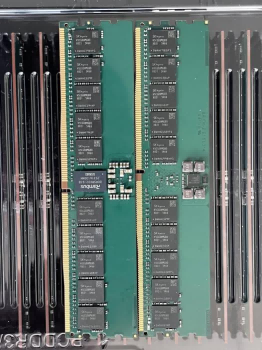
DDR3 Laptop RAM is commonly available in SO-DIMM form factors, which are designed specifically for portable devices. Compared with desktop memory modules, laptop RAM has a smaller physical size while maintaining efficient data processing capabilities.
| Specification | Description | Why It Matters |
|---|---|---|
| Memory Generation | DDR3 | Determines compatibility with the laptop motherboard. |
| Module Type | SO-DIMM | Designed for compact laptop installation spaces. |
| Capacity Range | Common options include 2GB, 4GB, 8GB, and higher configurations depending on device support. | Affects multitasking capability and application performance. |
| Memory Frequency | Examples include DDR3-1066, DDR3-1333, and DDR3-1600. | Impacts data transfer speed and overall responsiveness. |
| Operating Voltage | Standard DDR3 and DDR3L versions may have different voltage requirements. | Ensures stable power consumption and motherboard compatibility. |
When upgrading laptop memory, users should avoid focusing only on capacity. A high-capacity module with incompatible specifications may not deliver expected results. Balanced selection of capacity, frequency, and compatibility is the key to achieving reliable performance.
Although DDR4 and DDR5 memory technologies are now widely used in modern computers, DDR3 Laptop RAM continues to serve many existing systems. Understanding the differences helps users decide whether upgrading existing equipment is the right solution.
| Memory Type | Typical Application | Main Characteristics |
|---|---|---|
| DDR3 Laptop RAM | Older laptops and legacy computing systems | Affordable, reliable, and suitable for compatible devices. |
| DDR4 Laptop RAM | Modern laptops | Higher efficiency and improved bandwidth. |
| DDR5 Laptop RAM | Latest generation computers | Advanced performance for demanding workloads. |
For users who already own DDR3-compatible laptops, upgrading with quality DDR3 Laptop RAM is often more practical than replacing the complete system. This approach allows users to maintain familiar hardware while improving daily performance.
Many memory upgrade issues occur because users choose modules without checking compatibility requirements. Understanding common mistakes can help prevent unnecessary costs and installation problems.
Working with an experienced memory supplier helps reduce these risks. GUDGA focuses on providing dependable DDR3 Laptop RAM products that meet quality requirements and support different application scenarios.
Installing DDR3 Laptop RAM is usually a straightforward process, but proper handling is important to avoid damaging components.
Users should avoid touching the gold contacts of the memory module and should handle components carefully. Proper installation ensures reliable connection and long-term operation.
Selecting the right memory supplier is just as important as selecting the right specifications. A reliable supplier should provide consistent product quality, accurate technical information, and solutions that meet different customer requirements.
GUDGA provides DDR3 Laptop RAM solutions designed for users who need dependable memory upgrades for existing laptop systems. The company focuses on memory stability, compatibility, and product performance to help customers improve their computing experience.
Whether for personal computers, office equipment, educational devices, or industrial applications, DDR3 Laptop RAM remains an effective solution for improving system responsiveness and extending the service life of existing laptops.
DDR3 Laptop RAM is used to provide temporary high-speed data storage for laptop processors. It helps applications run smoothly by allowing faster access to frequently used information.
Yes. If a laptop has insufficient memory, upgrading DDR3 Laptop RAM can improve multitasking performance, reduce delays, and make everyday tasks more responsive.
Users can check the laptop specifications, motherboard information, or consult a professional supplier to confirm memory compatibility before purchasing.
Not necessarily. The best memory capacity depends on the laptop's hardware limitations and the user's workload requirements. Installing compatible and suitable memory is more important than choosing the largest capacity.
GUDGA provides reliable DDR3 Laptop RAM solutions focused on compatibility, stability, and performance, helping customers upgrade existing laptops with confidence.
DDR3 Laptop RAM continues to be a valuable upgrade option for many users who want improved laptop performance without replacing their entire system. By increasing available memory, users can achieve smoother multitasking, faster application response, and longer device usability.
Choosing the correct specifications, purchasing from a dependable supplier, and ensuring proper installation are essential steps for achieving the best results. With reliable memory solutions from GUDGA, customers can improve their laptop performance while maintaining a cost-effective computing environment.
If you are looking for dependable DDR3 Laptop RAM solutions with suitable specifications and professional support, contact us today to discuss your requirements and find the right memory solution for your application.