
Shenzhen Xinchitai Technology Co., Ltd.
News

How Does an M.2 NVME SSD Improve Computer Performance?

2026-05-25 0 Leave me a message

Modern computers demand faster boot times, seamless multitasking, rapid file transfers, and stable performance for gaming, content creation, and enterprise workloads. An M.2 NVME SSD delivers exceptional speed and efficiency compared to traditional SATA SSDs and HDDs. This article explains how M.2 NVME SSD technology works, why it matters, how to choose the right drive, and what benefits users can expect in real-world applications.

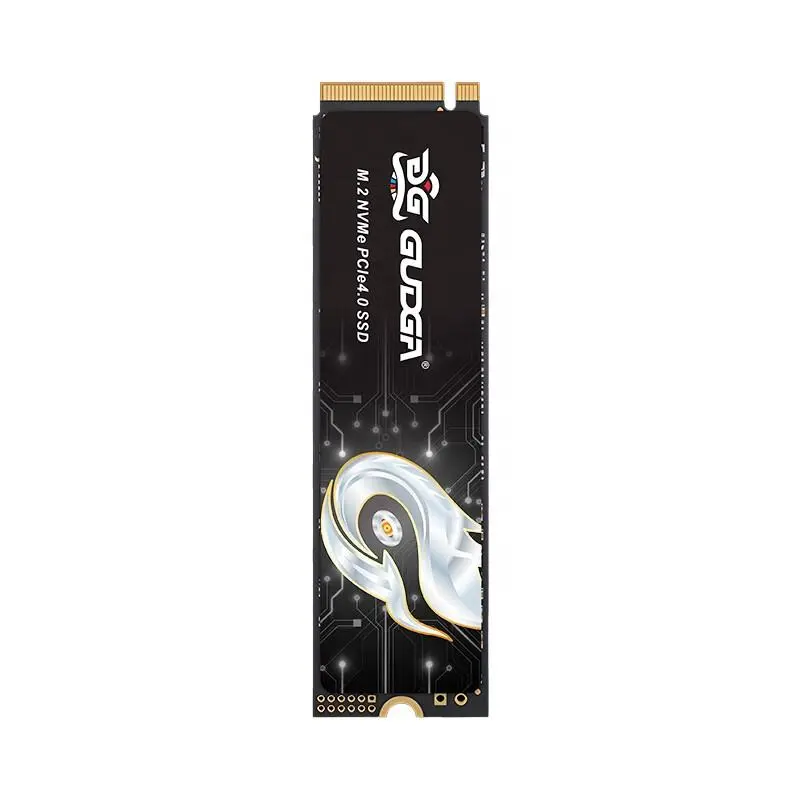
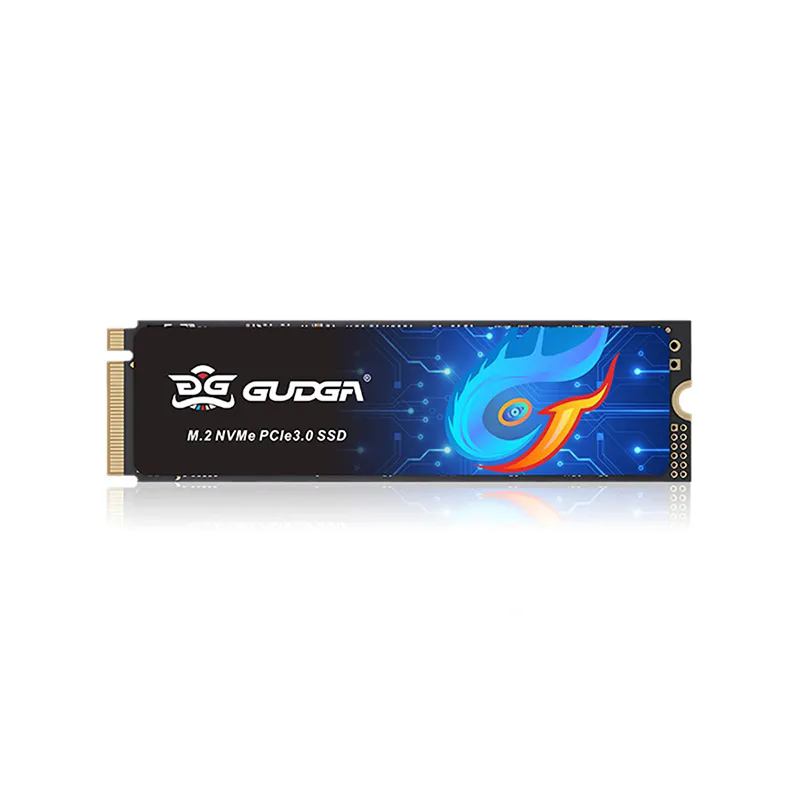
PCIE Gen3.0X4 2280 M.2 Nvme SSD

Table of Contents


What Is an M.2 NVME SSD?

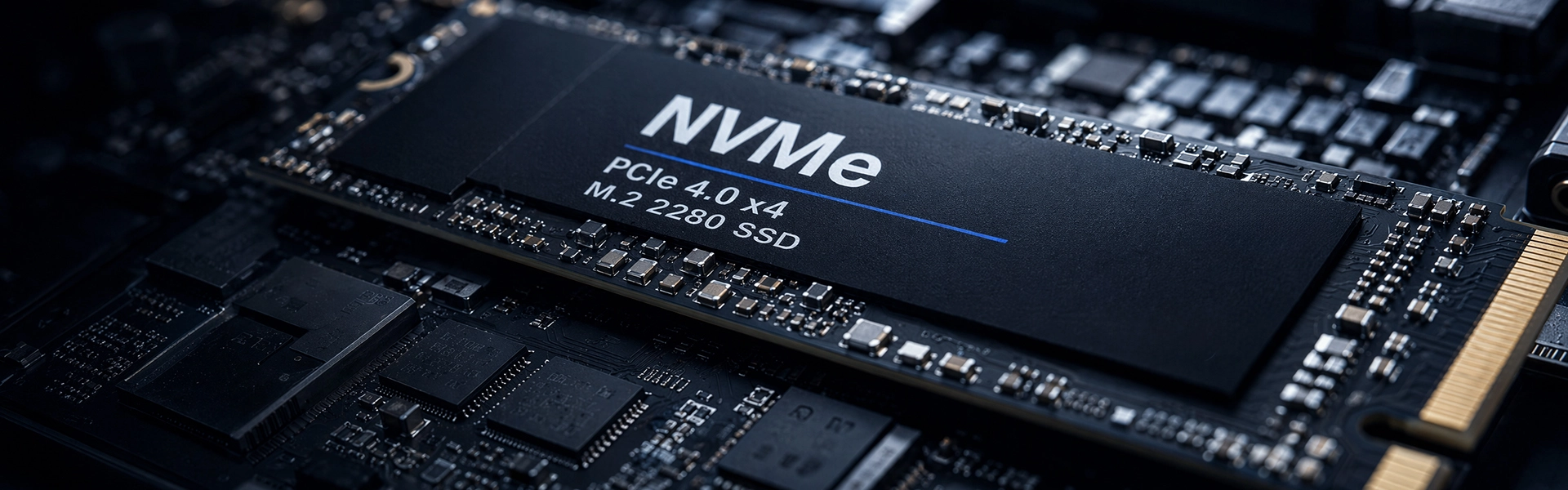
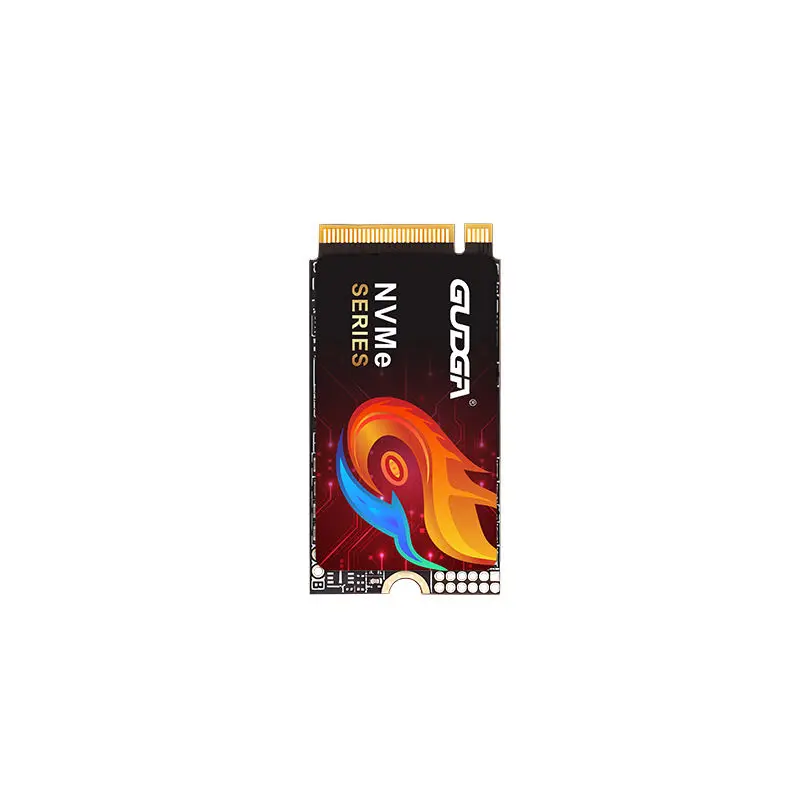
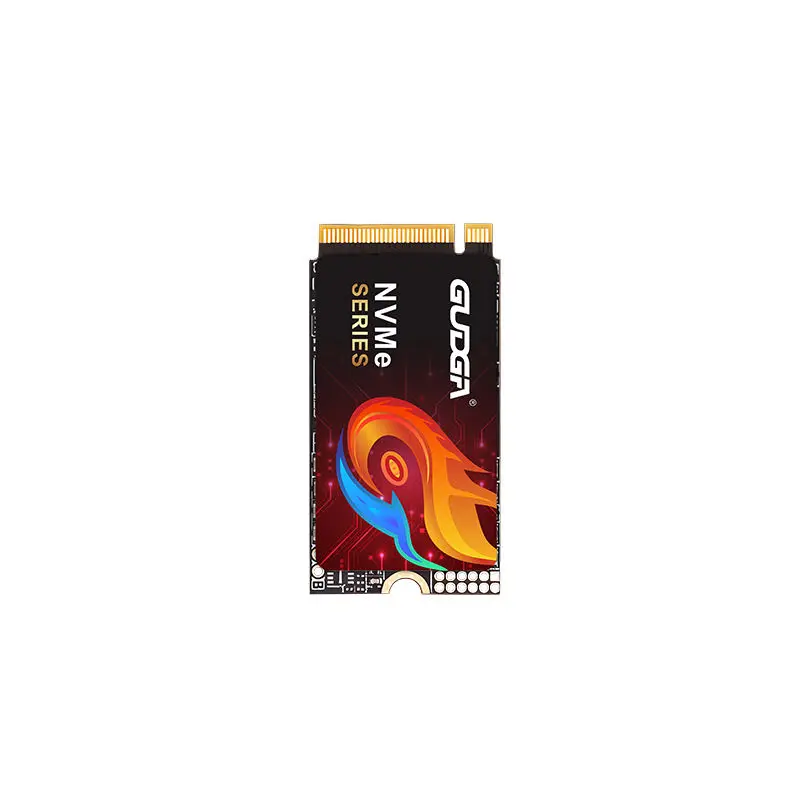
An M.2 NVME SSD is a high-speed solid-state storage device that uses the NVME protocol and connects directly to the motherboard through the M.2 interface. Unlike traditional hard drives with moving parts, SSDs rely on flash memory to store and access data at extremely high speeds.

The term “M.2” refers to the physical form factor, while “NVME” stands for Non-Volatile Memory Express, a communication protocol specifically designed for flash storage devices. Together, they create a compact and powerful storage solution for modern desktops, laptops, servers, and industrial systems.

Key Characteristics

  • Compact size for modern devices
  • Direct PCIe motherboard connection
  • Extremely high read and write speeds
  • Low latency and rapid response times
  • Energy-efficient operation
  • Ideal for gaming and professional workloads

How Does NVME Technology Work?

Traditional storage protocols were originally developed for mechanical hard drives. As flash memory technology evolved, those older protocols became a performance bottleneck. NVME was designed specifically to maximize the speed of solid-state storage.

Instead of communicating through slower SATA channels, NVME SSDs use PCIe lanes directly connected to the CPU. This enables significantly faster data transfer rates and lower latency.

Feature SATA SSD M.2 NVME SSD
Connection Type SATA PCIe
Maximum Speed Around 550 MB/s Up to 7000+ MB/s
Latency Higher Much Lower
Multitasking Moderate Excellent
Best For Basic computing Gaming, editing, AI, servers

Because NVME can process thousands of parallel command queues simultaneously, it dramatically improves application responsiveness and system efficiency.


Major Benefits of M.2 NVME SSDs

Faster Boot Times

Operating systems can boot in seconds rather than minutes. Users experience a more responsive computing environment immediately after startup.

Rapid File Transfers

Large files such as 4K videos, CAD projects, and game installations transfer significantly faster with NVME storage.

Enhanced Gaming

Games load faster, textures render more smoothly, and overall gameplay becomes more immersive with reduced loading delays.

Improved Productivity

Professional users handling video editing, virtualization, rendering, and analytics benefit from lower wait times and higher throughput.


M.2 NVME SSD vs SATA SSD

Many users wonder whether upgrading from SATA SSD storage is worthwhile. The answer depends on workload requirements, but for modern computing tasks, NVME offers a substantial advantage.

When SATA SSDs May Still Be Enough

  • Basic office applications
  • Web browsing and streaming
  • Older systems without PCIe NVME support
  • Budget-oriented upgrades

When NVME SSDs Are Recommended

  • Gaming PCs
  • Video editing workstations
  • AI computing
  • Enterprise servers
  • High-performance laptops
  • Data-intensive applications

Best Applications for NVME Storage

M.2 NVME SSDs support a wide variety of modern applications where speed and reliability are essential.

Industry Usage Scenario Benefit
Gaming Game loading and texture streaming Reduced latency
Media Production 4K/8K editing Faster rendering
Business Database processing Improved efficiency
Engineering CAD and simulations Shorter load times
AI & Data Science Large dataset handling Higher throughput

How to Choose the Right M.2 NVME SSD

Selecting the correct SSD requires understanding capacity, PCIe generation, endurance ratings, and thermal management.

Important Buying Factors

  1. Storage Capacity: Choose based on workload requirements. Gamers and creators often prefer 1TB or higher.
  2. PCIe Generation: PCIe Gen4 and Gen5 drives offer faster performance than Gen3 models.
  3. Read/Write Speeds: Higher speeds improve loading and transfer efficiency.
  4. Cooling Solutions: Heat spreaders help maintain stable performance during intensive tasks.
  5. Durability: Check TBW ratings for long-term reliability.

Companies like GUDGA continue developing advanced storage products designed for high-speed applications, industrial reliability, and scalable deployment needs.

You can also explore more product details here: M.2 NVME SSD Product Page


Installation and Compatibility Tips

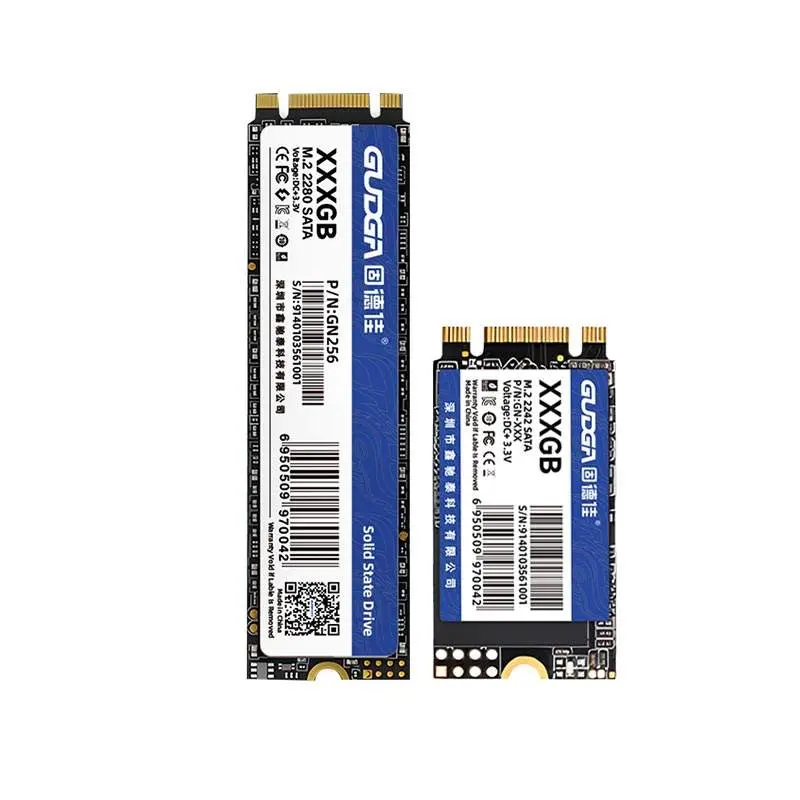
Before purchasing an M.2 NVME SSD, verify motherboard compatibility. Some systems support only SATA M.2 drives, while others support PCIe NVME drives.

  • Check motherboard PCIe NVME support
  • Confirm M.2 slot size compatibility
  • Update BIOS if necessary
  • Use thermal pads or heatsinks for cooling
  • Clone existing data before upgrading

Installation is typically straightforward and requires only a screwdriver. Many modern systems automatically recognize NVME storage during startup.


Maintenance and Lifespan

M.2 NVME SSDs generally require minimal maintenance compared to mechanical hard drives. However, good practices can extend operational lifespan and maintain peak performance.

Best Practices

  • Keep firmware updated
  • Maintain sufficient free storage space
  • Avoid unnecessary write-intensive operations
  • Ensure adequate system cooling
  • Back up important data regularly

High-quality SSDs from reliable manufacturers can operate efficiently for many years under normal workloads.
FAQ

Is an M.2 NVME SSD faster than a SATA SSD?

Yes. NVME SSDs are significantly faster because they use PCIe lanes instead of SATA interfaces.

Can I install an NVME SSD in any laptop?

Not all laptops support NVME drives. Users should verify motherboard and BIOS compatibility before purchasing.

Does an NVME SSD improve gaming?

Yes. Games load faster, and texture streaming becomes smoother, reducing loading interruptions.

How long does an M.2 NVME SSD last?

Most modern NVME SSDs can last several years depending on usage patterns and endurance ratings.

Is cooling necessary for NVME SSDs?

High-performance NVME drives may generate heat during intensive workloads. Heat spreaders or motherboard cooling solutions are recommended.


Conclusion

An M.2 NVME SSD is one of the most effective upgrades for improving computer performance. From faster startup times to enhanced productivity and gaming responsiveness, NVME technology delivers substantial advantages across nearly every modern computing scenario.

As storage demands continue increasing, choosing a reliable NVME solution becomes increasingly important for long-term efficiency and system reliability.

Looking for high-performance storage solutions for your business or projects? GUDGA offers advanced M.2 NVME SSD products designed for speed, reliability, and professional applications. Contact us today to discover the right storage solution for your requirements.

Related News
Leave me a message
X
We use cookies to offer you a better browsing experience, analyze site traffic and personalize content. By using this site, you agree to our use of cookies.Privacy Policy
RejectAccept